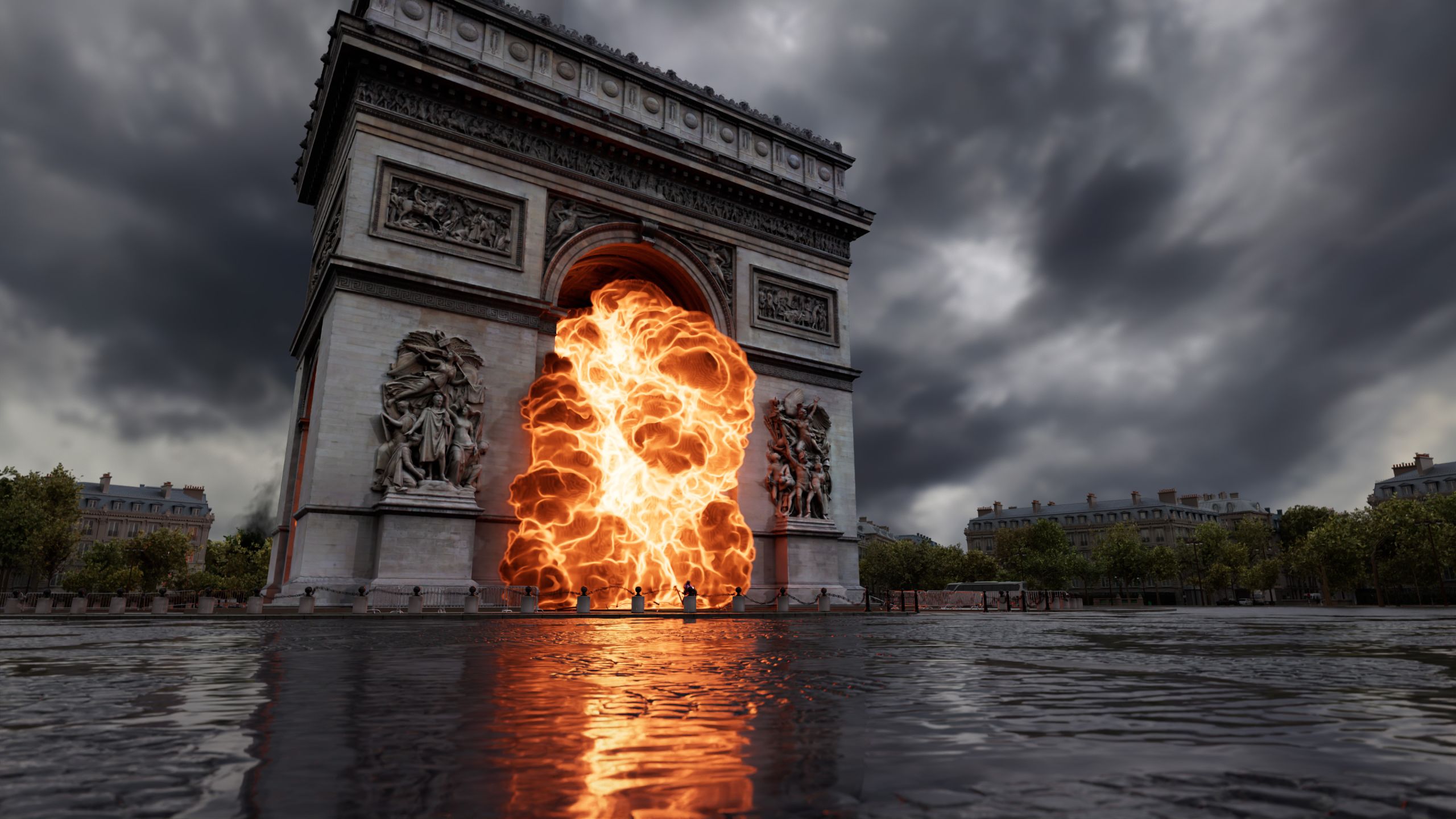
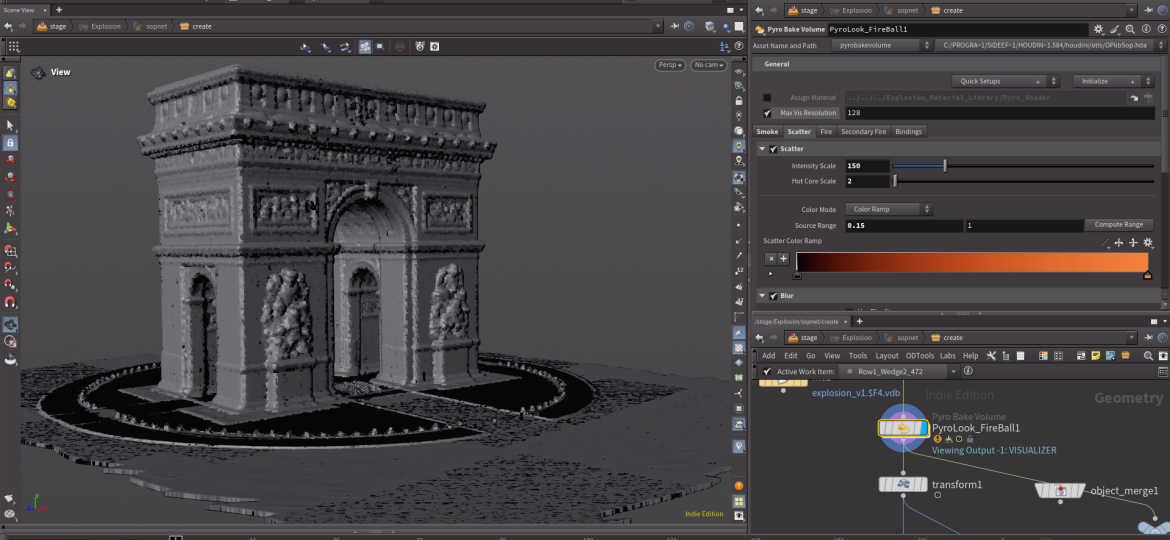
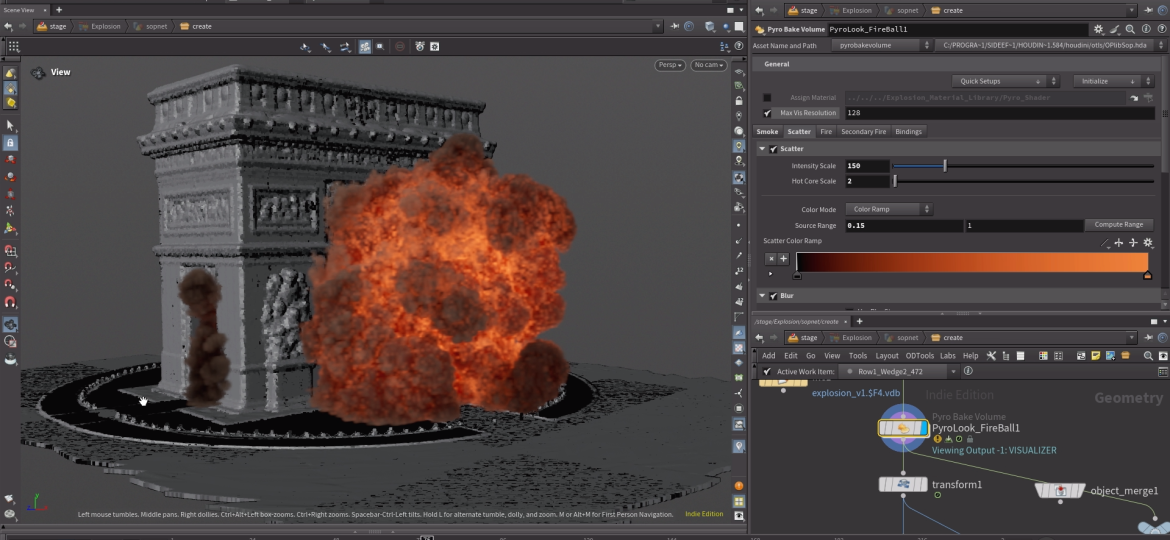
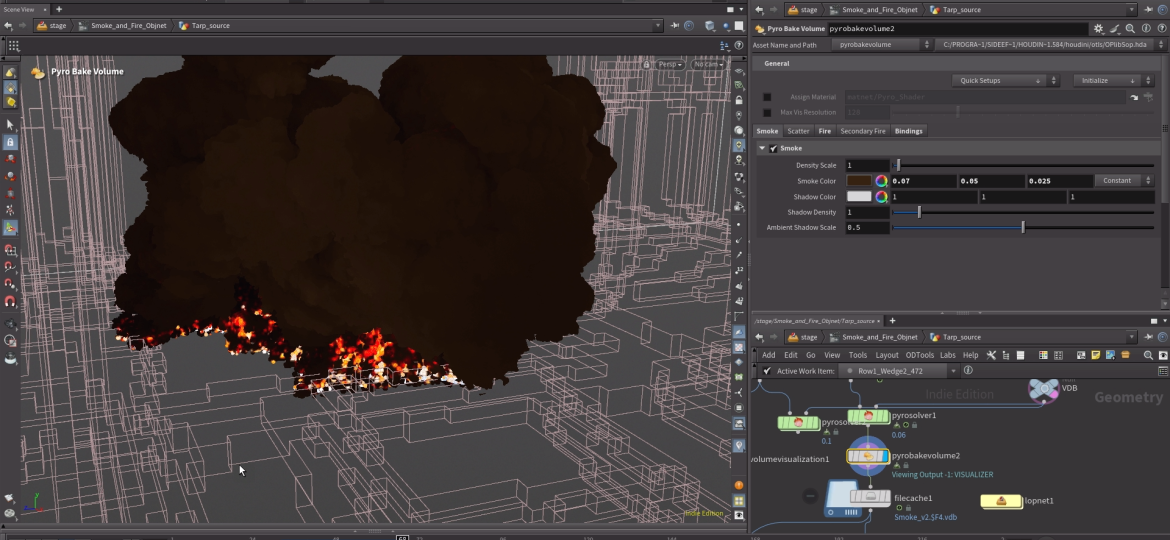
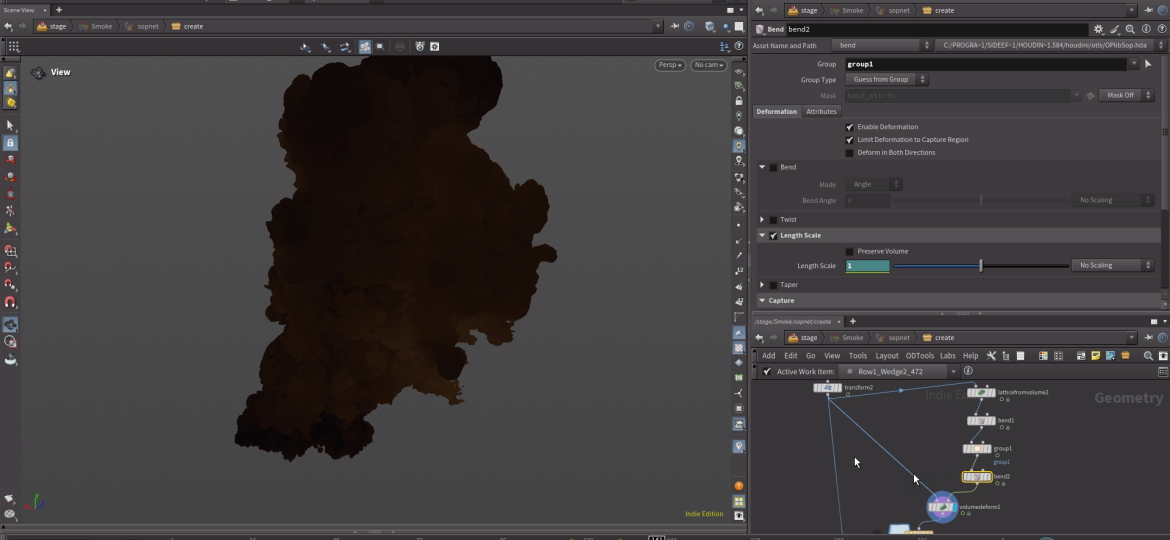
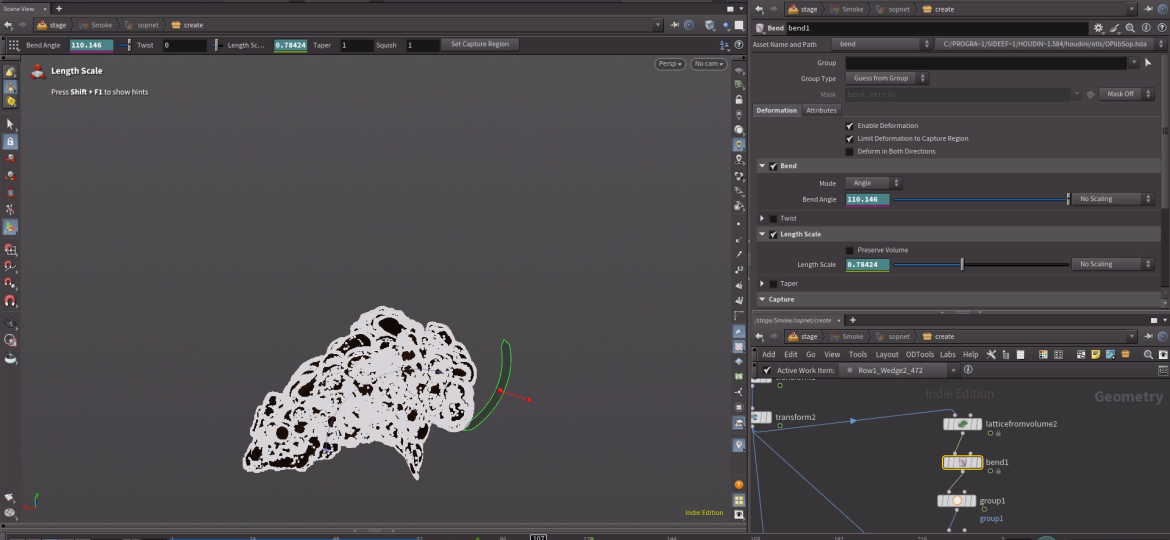
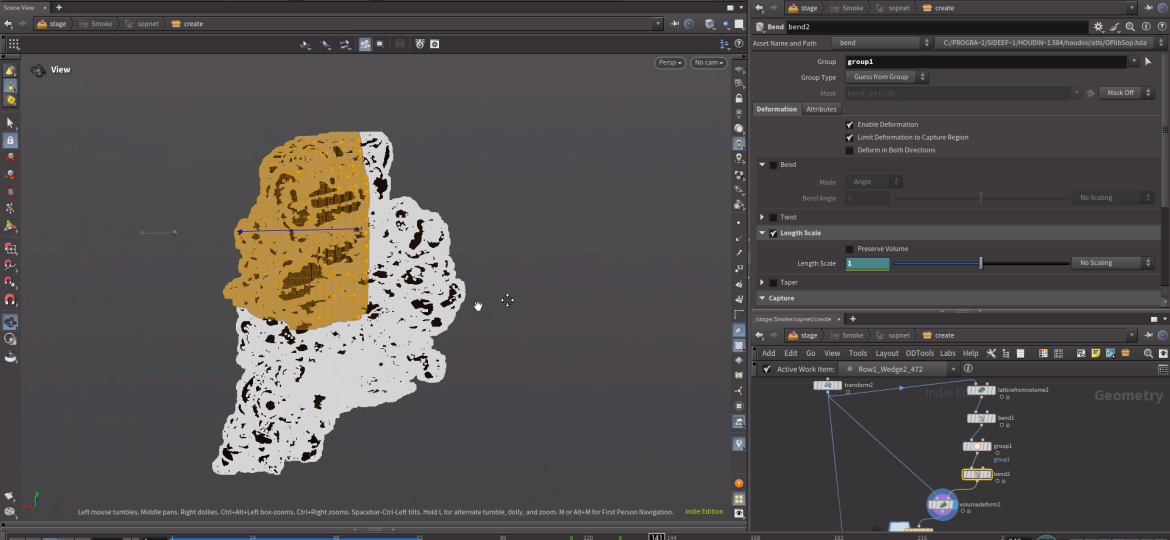
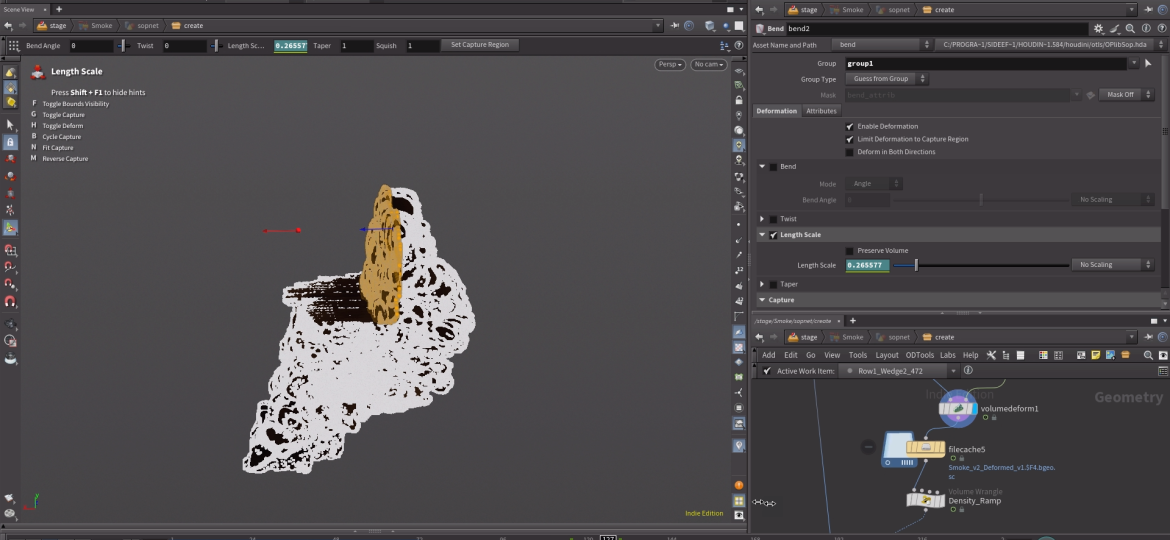
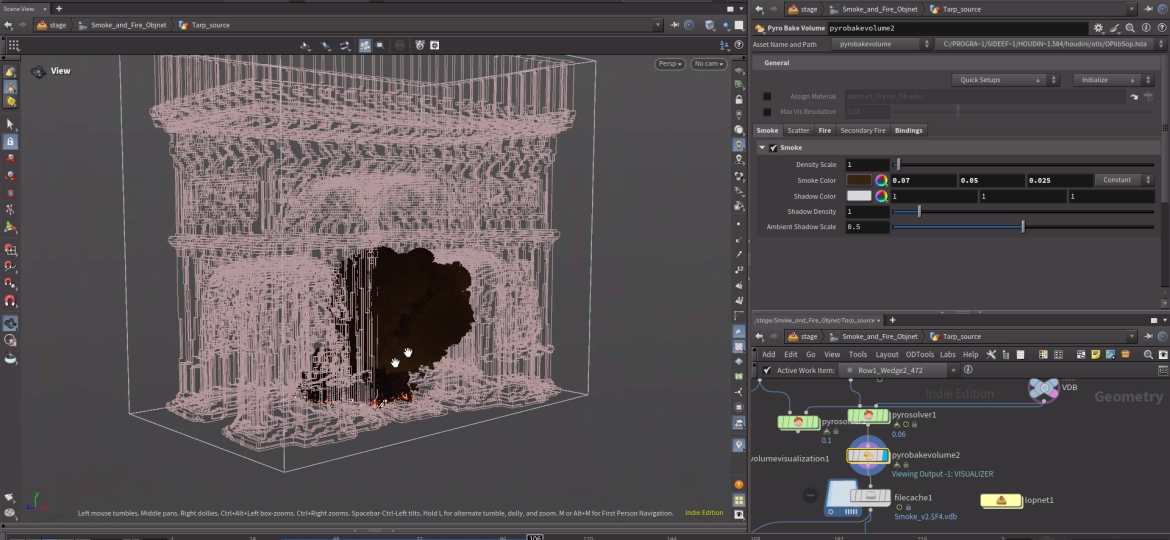
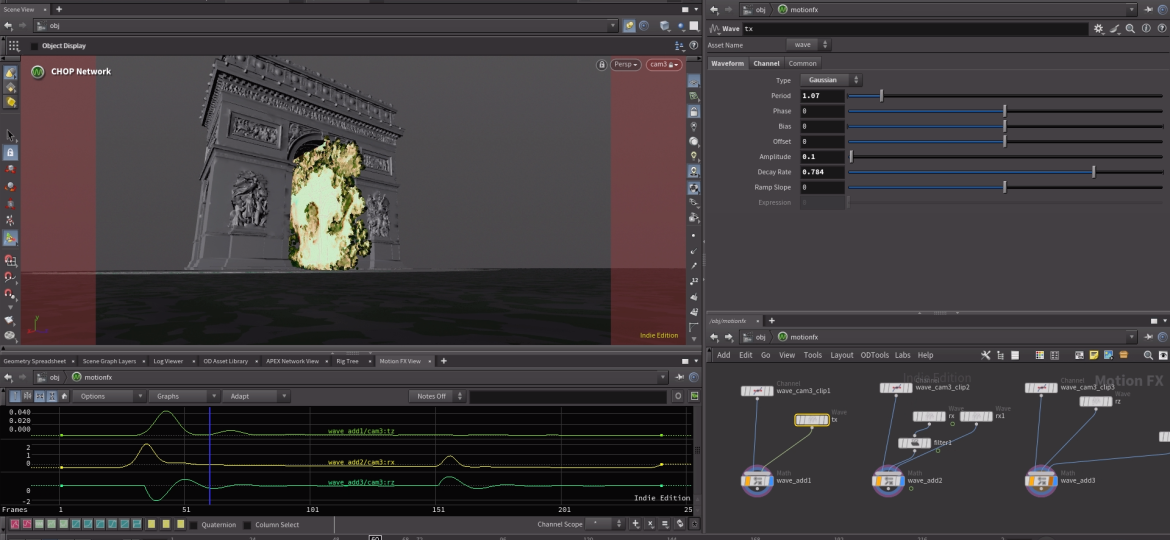
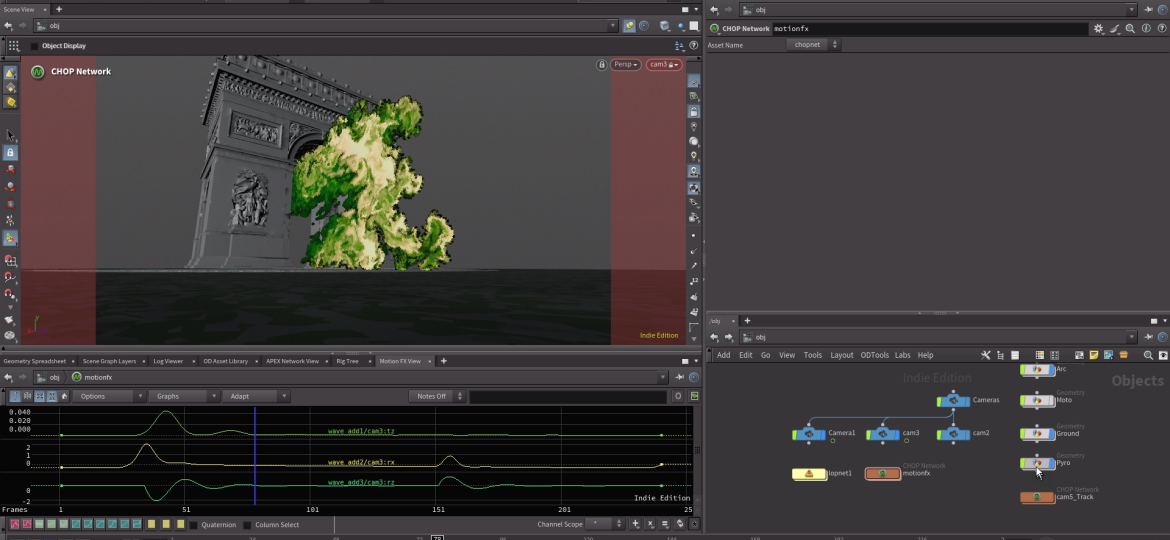
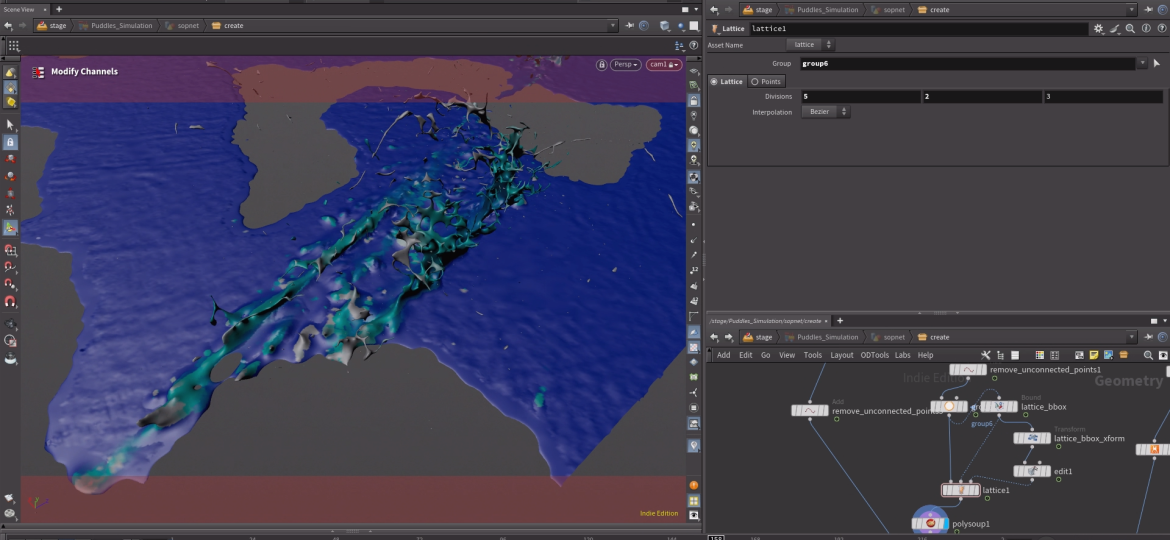
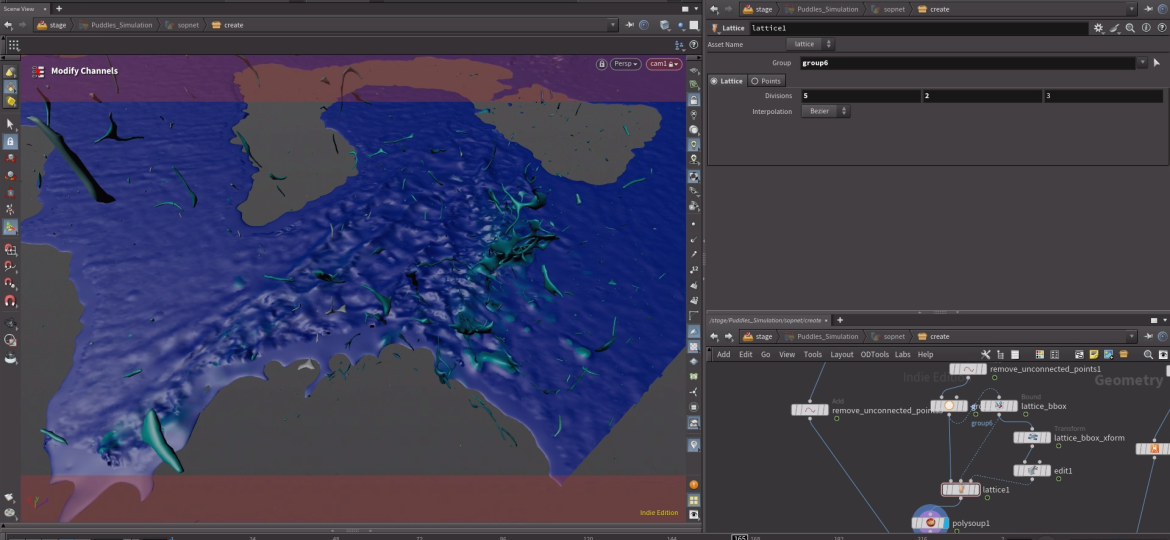
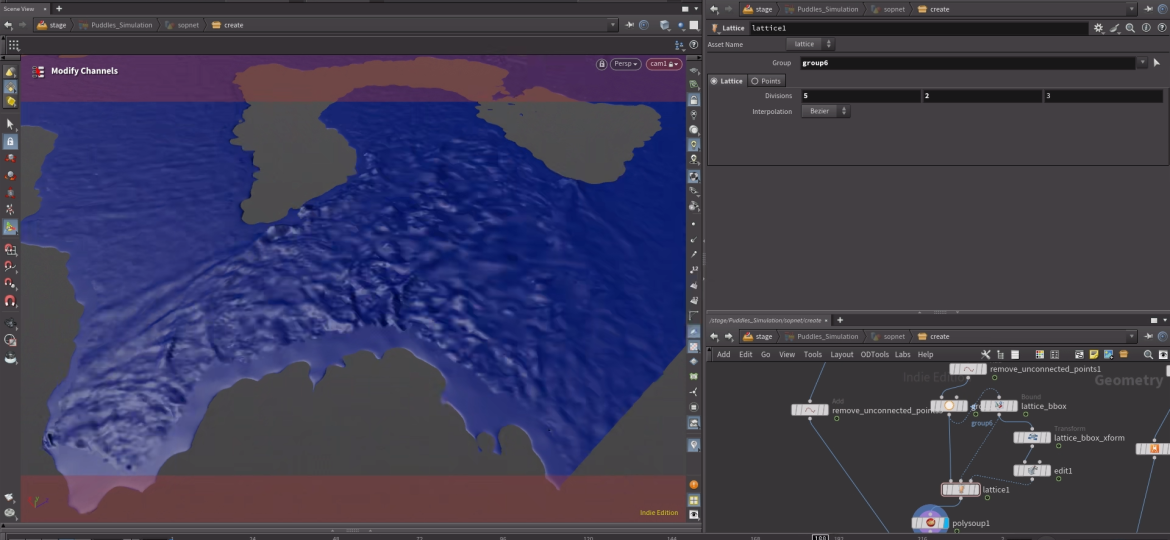
Volume Lattice deformer adds the appearance of fire emerging after the blast .Explosion driven by Houdini’s Pyro Solver, with the fire source at the center of the arch.
Reacton to Shockwave
Asset preparation & proxies
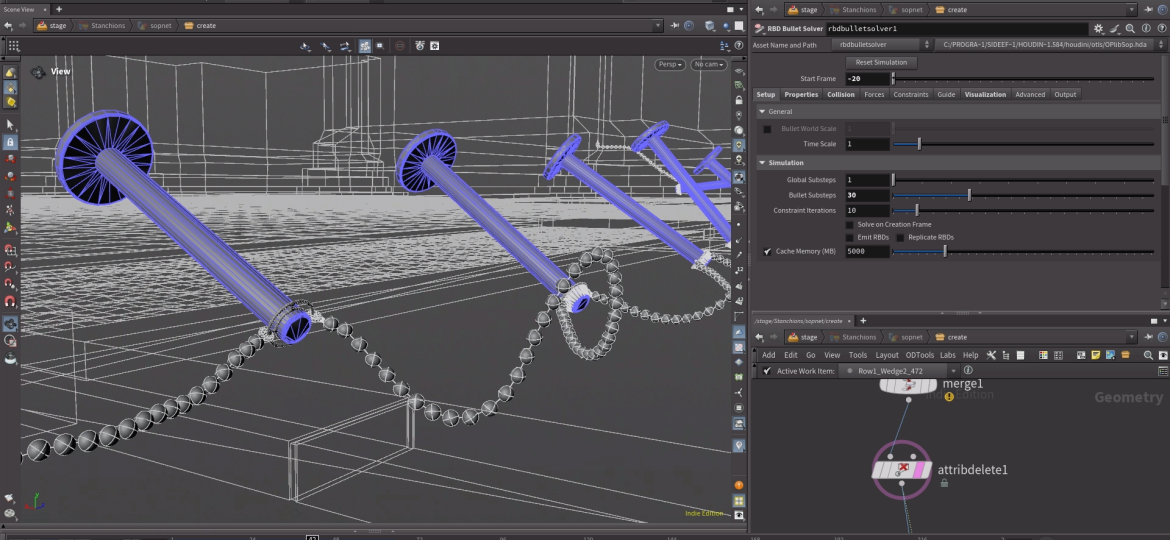
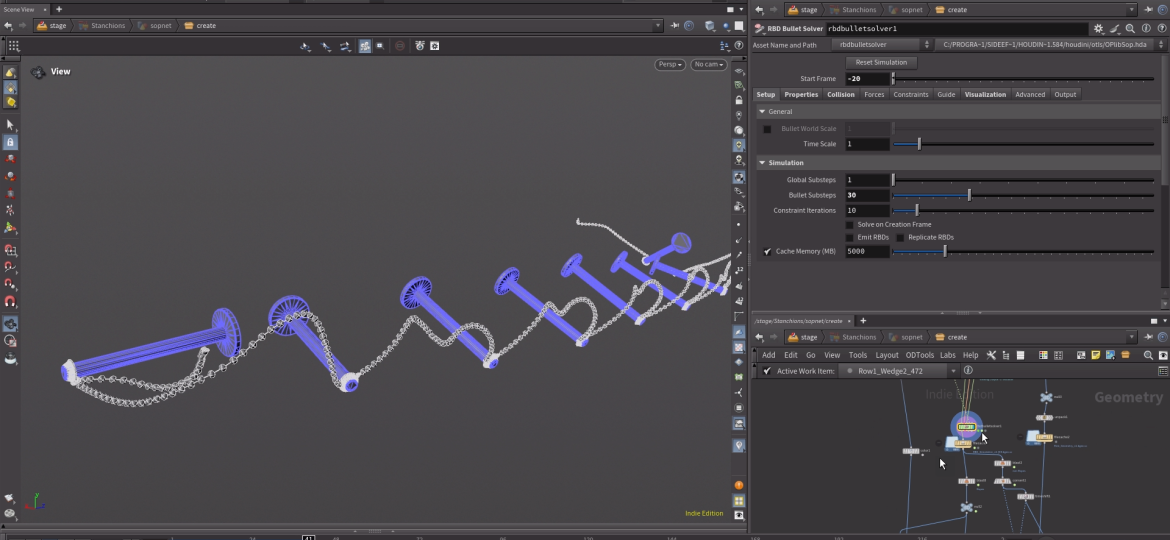
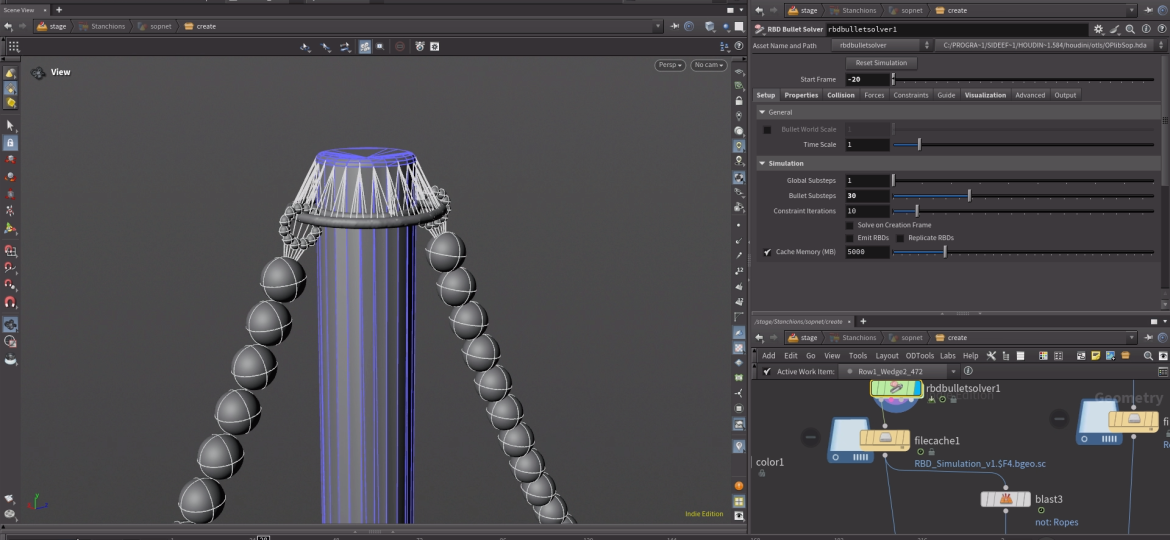
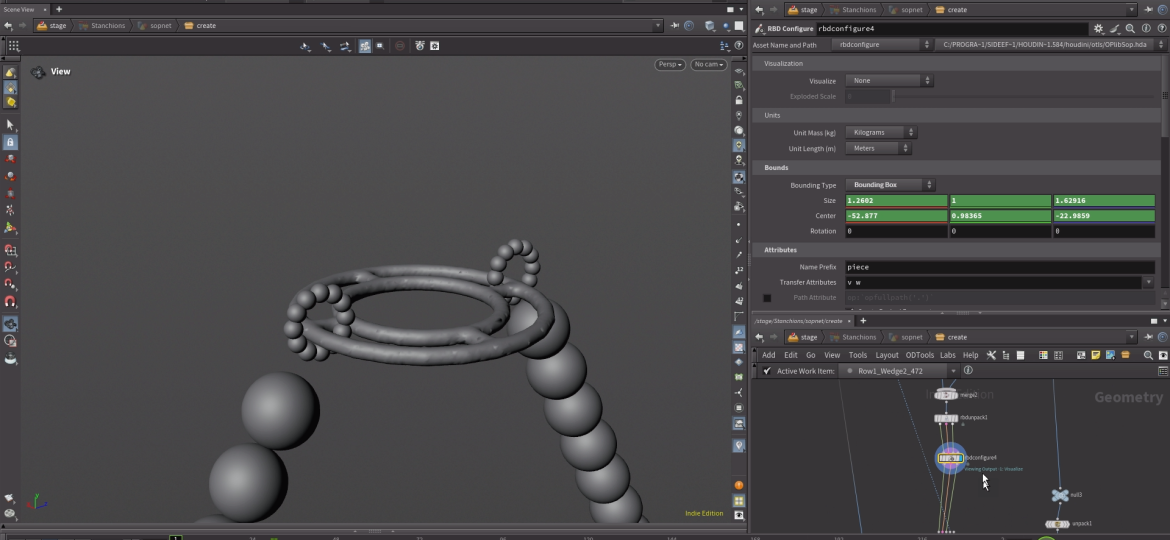
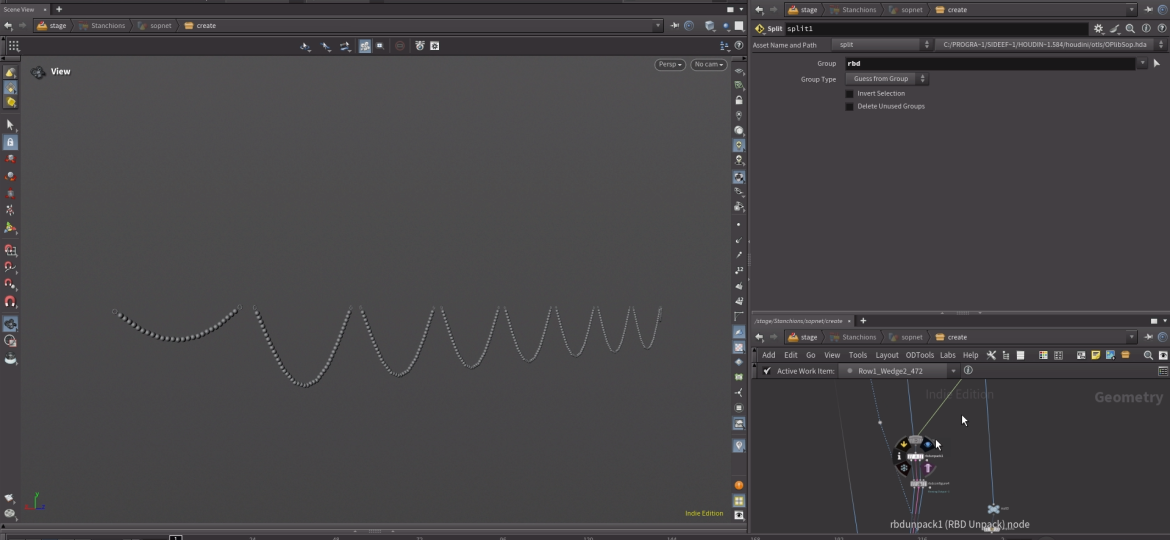
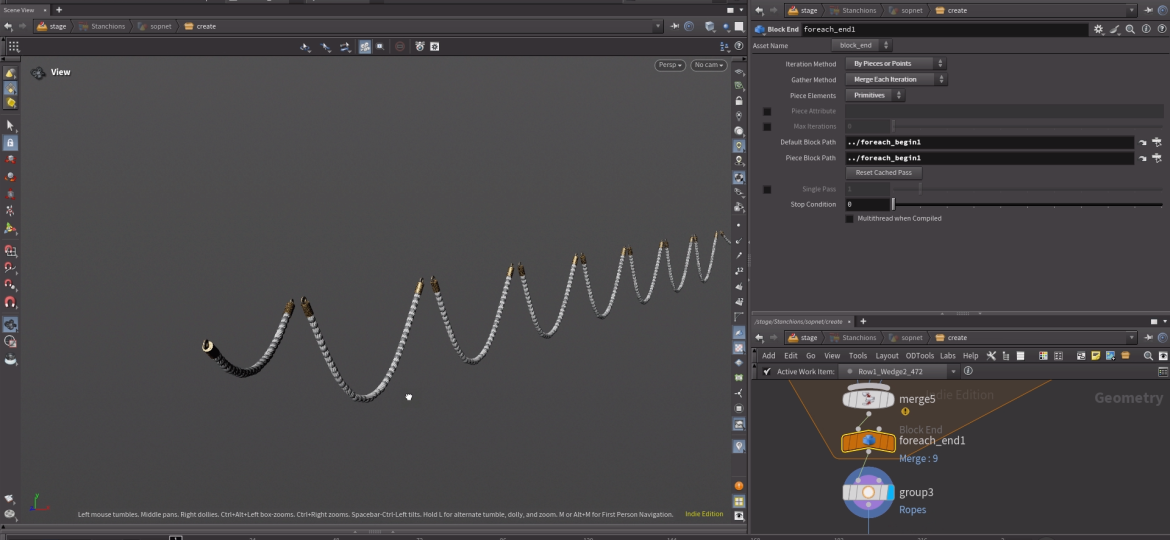
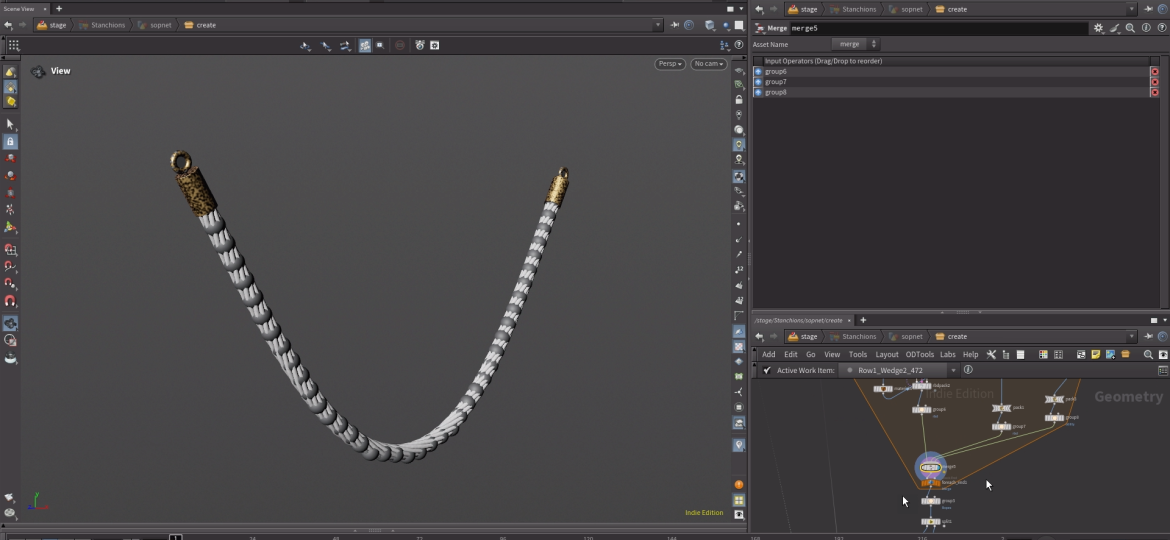
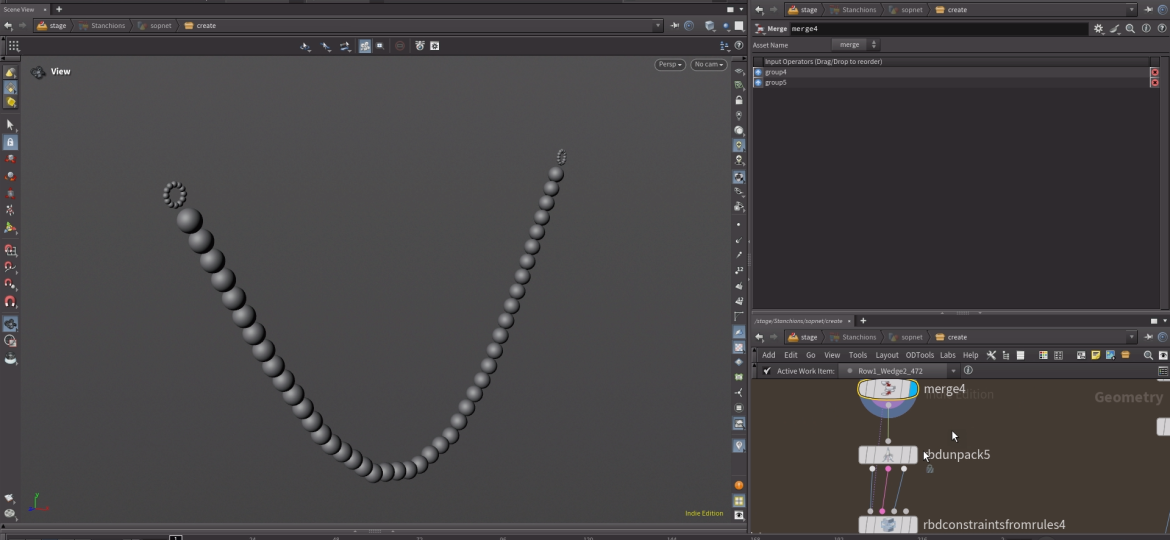
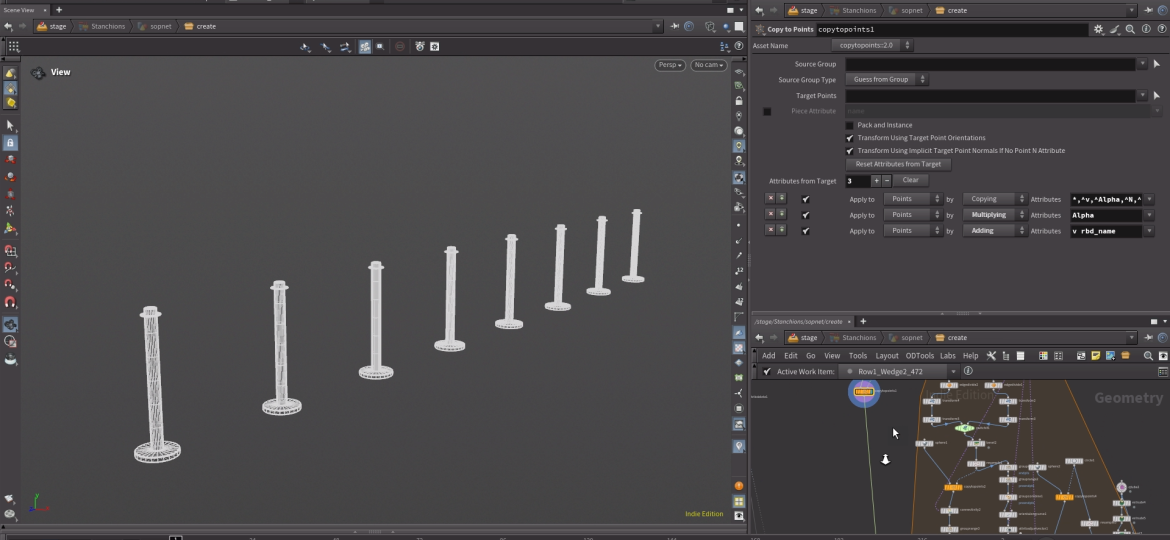
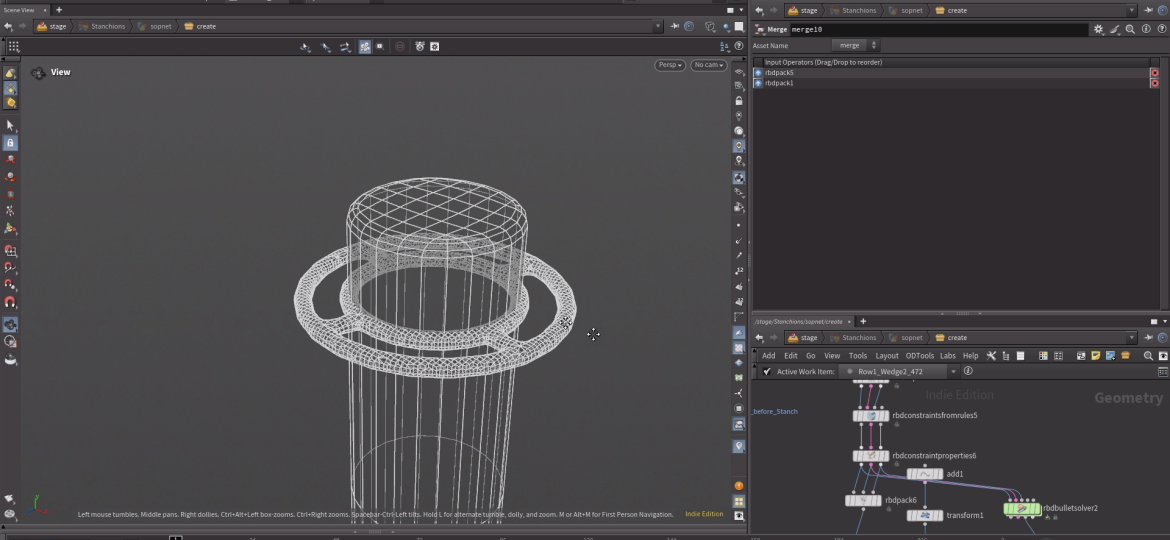
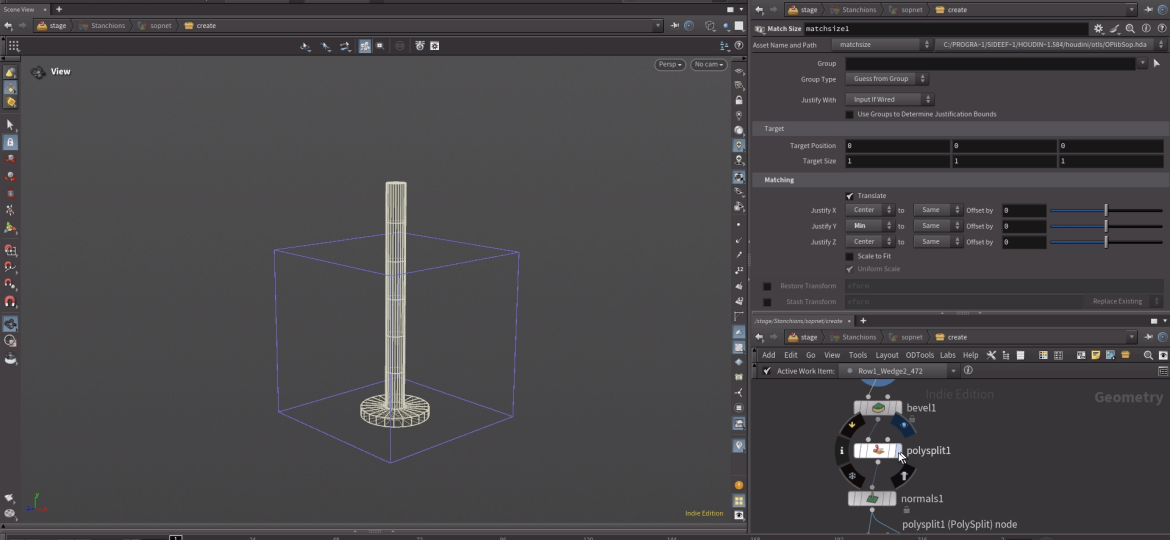
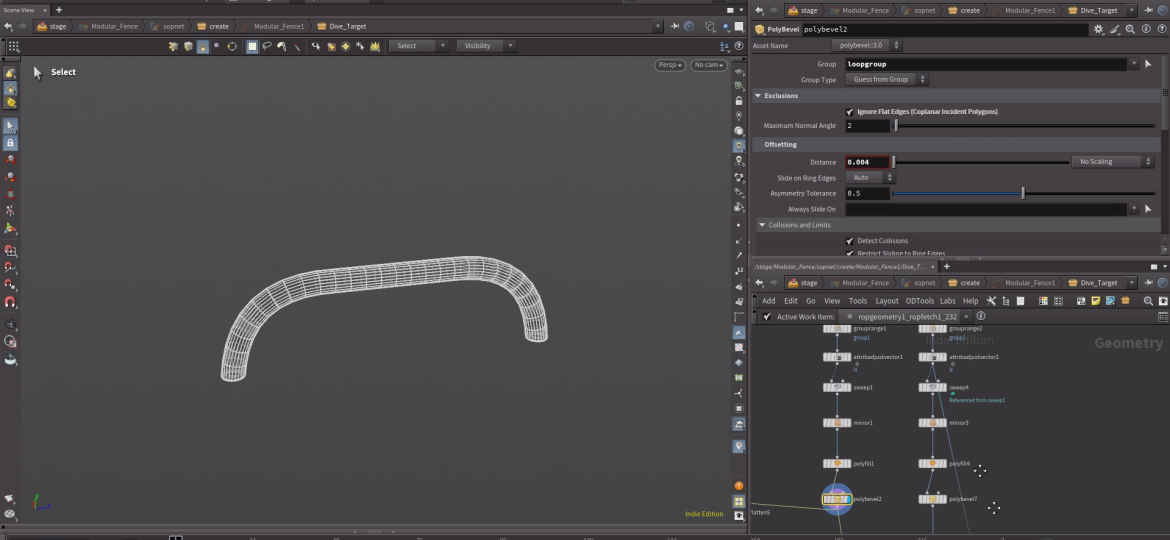
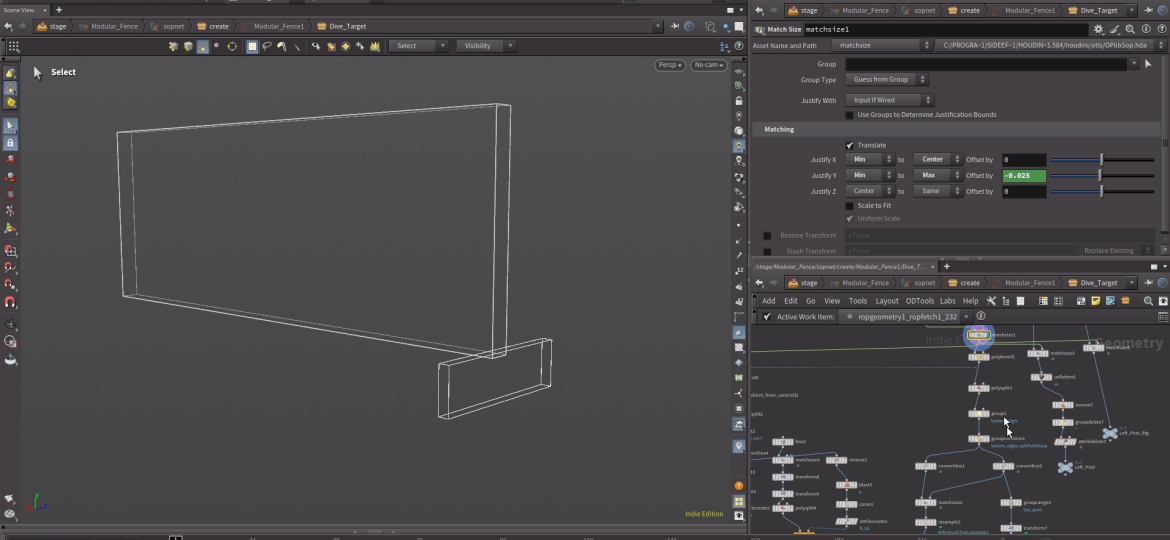
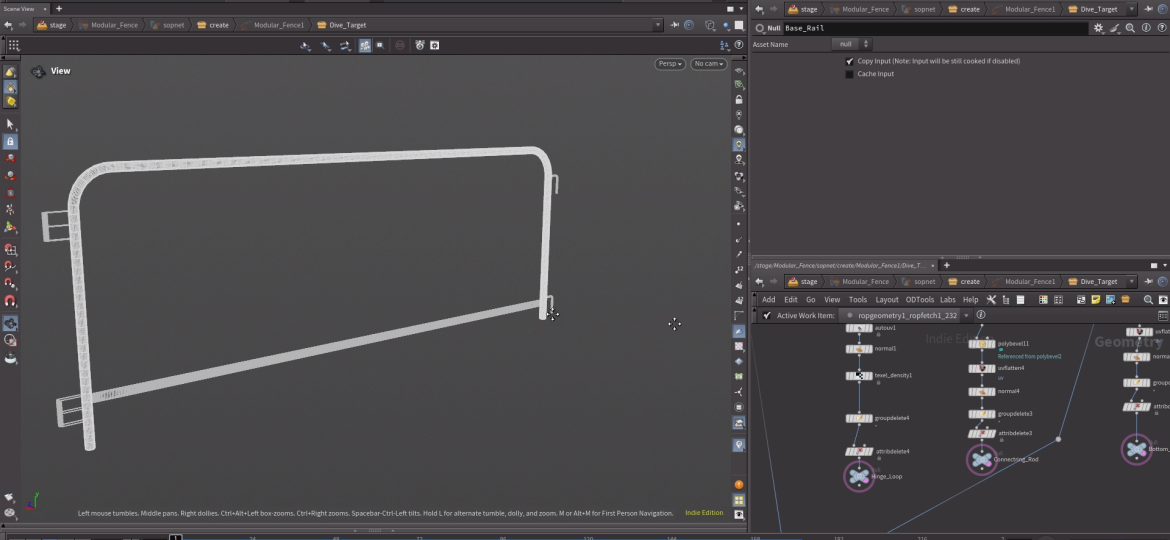
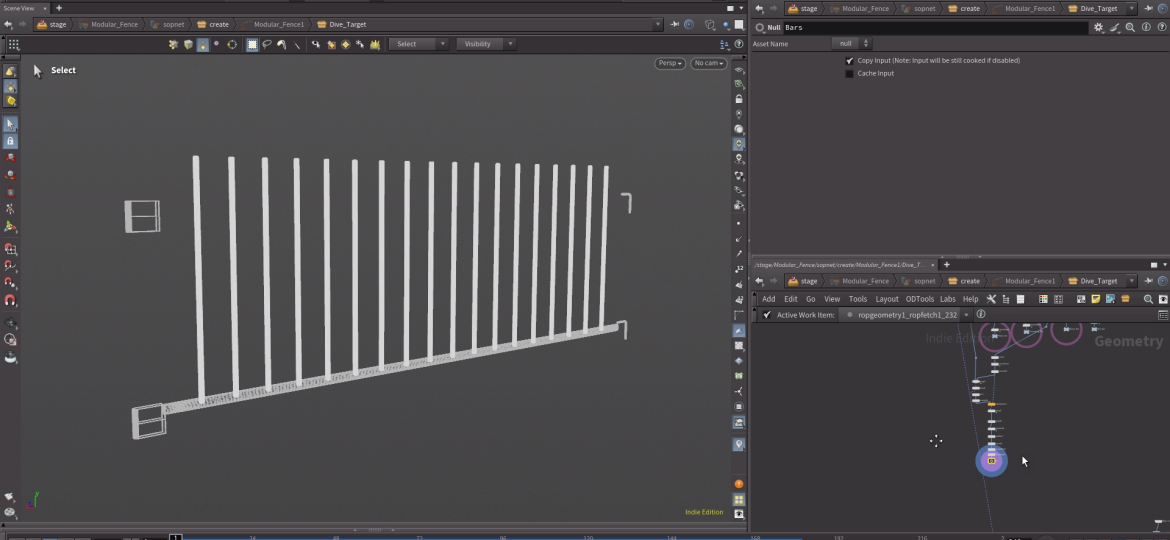
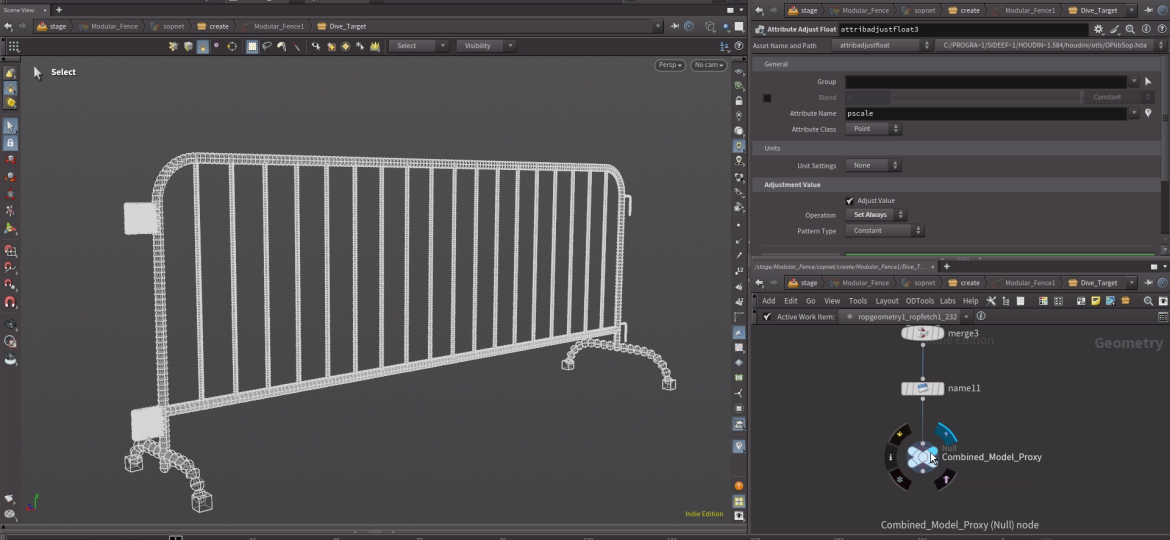
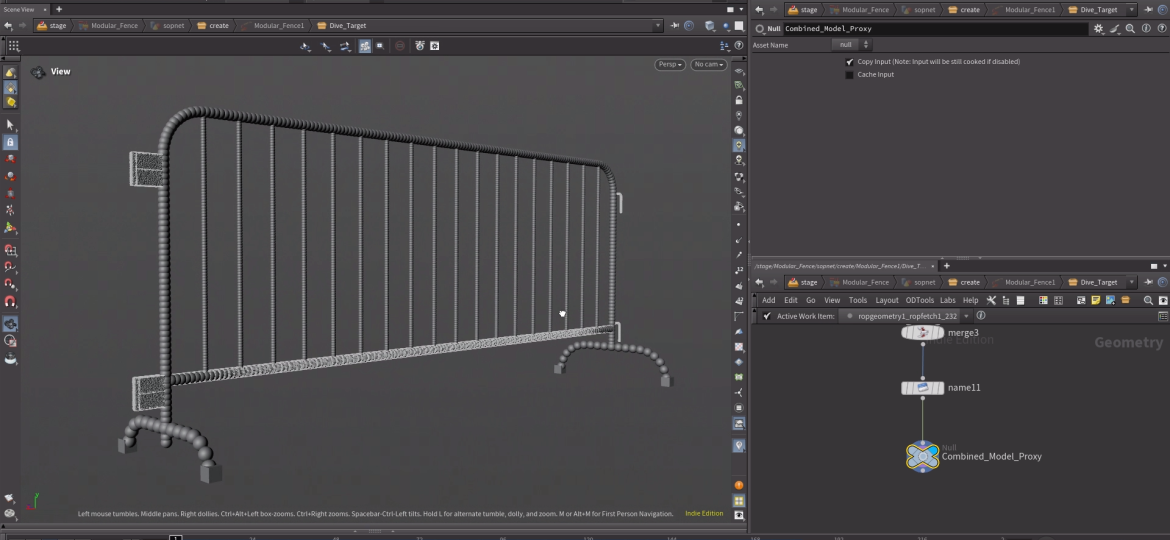
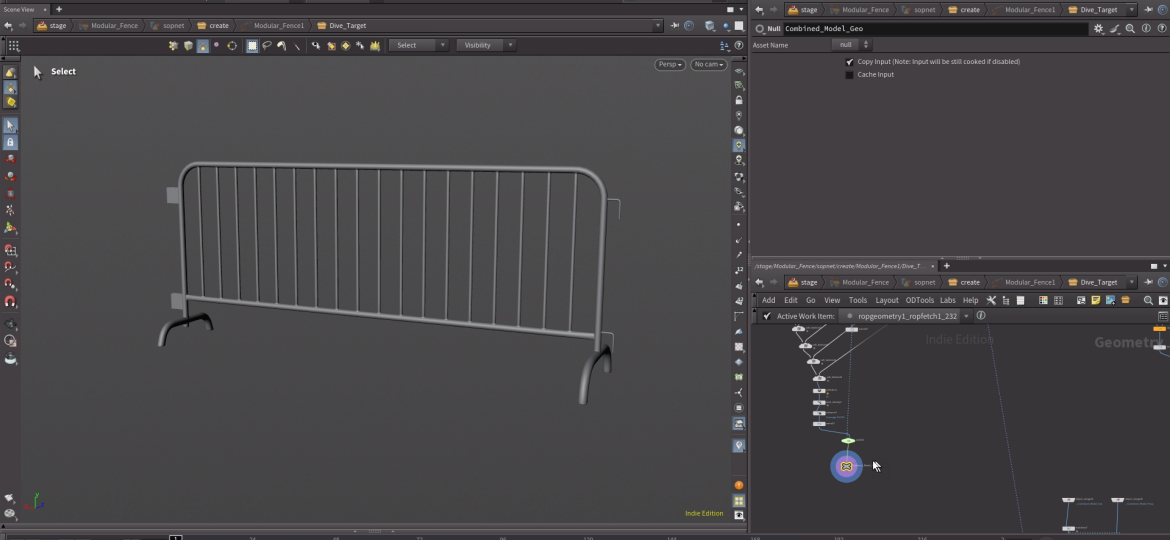
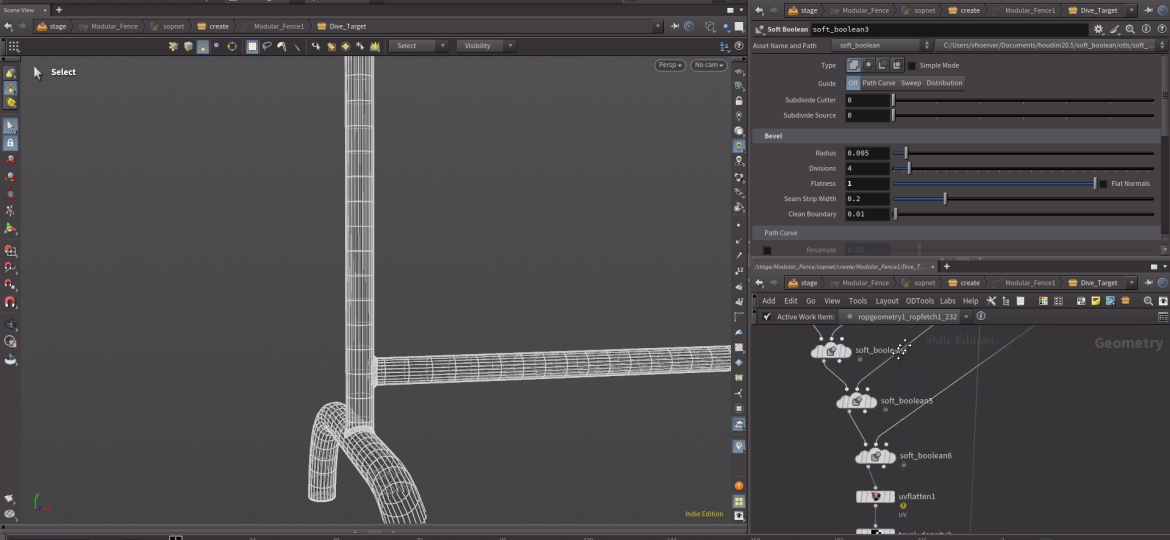
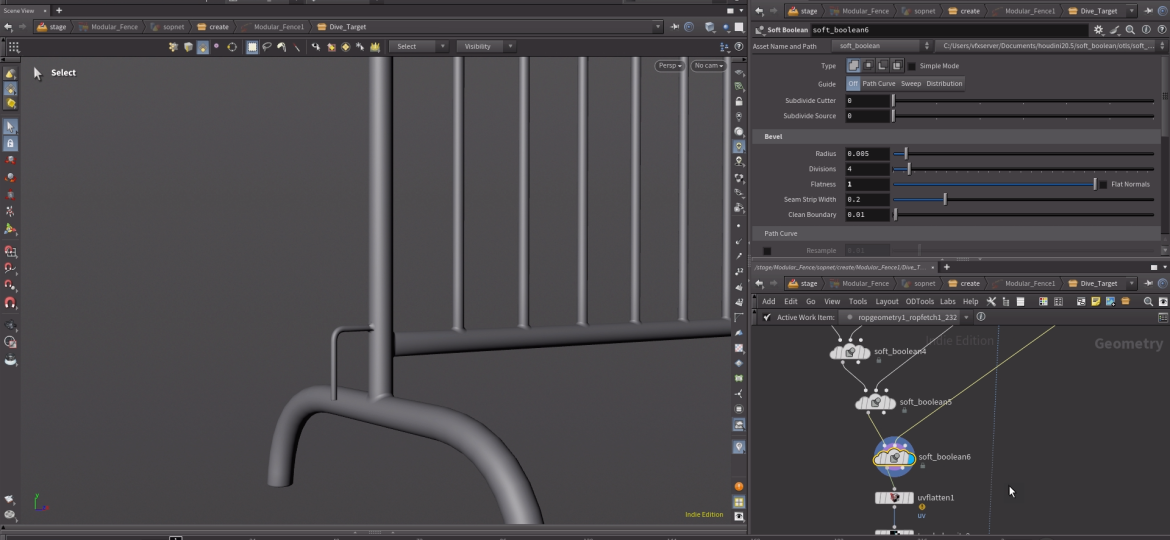
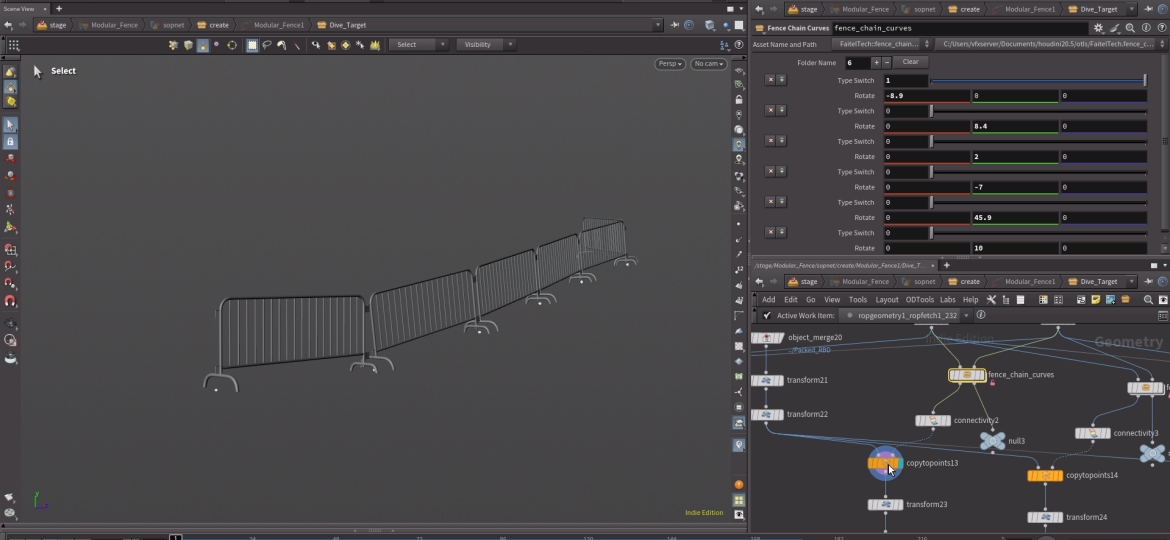
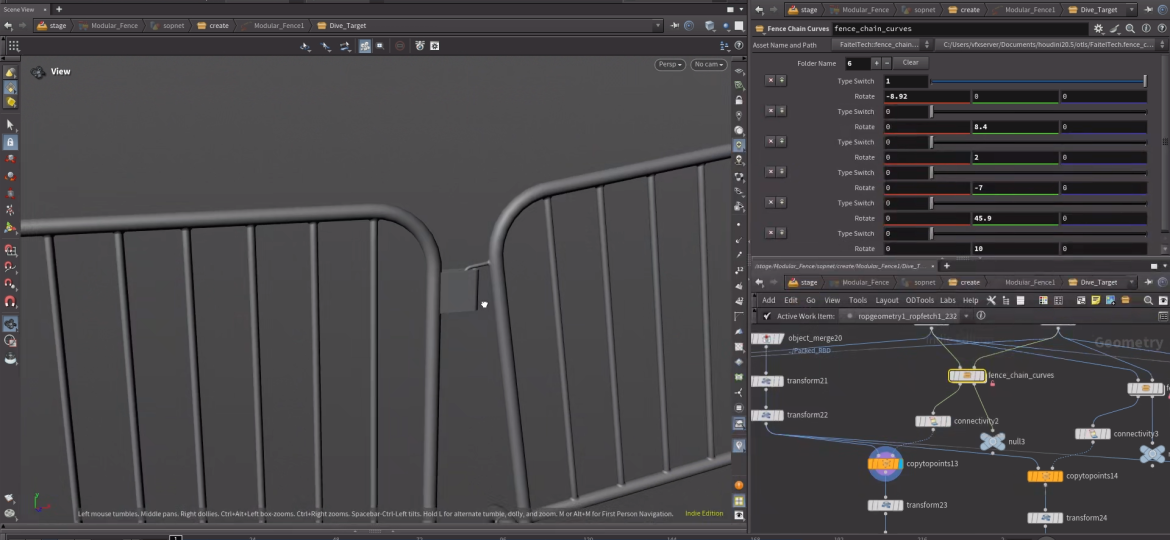
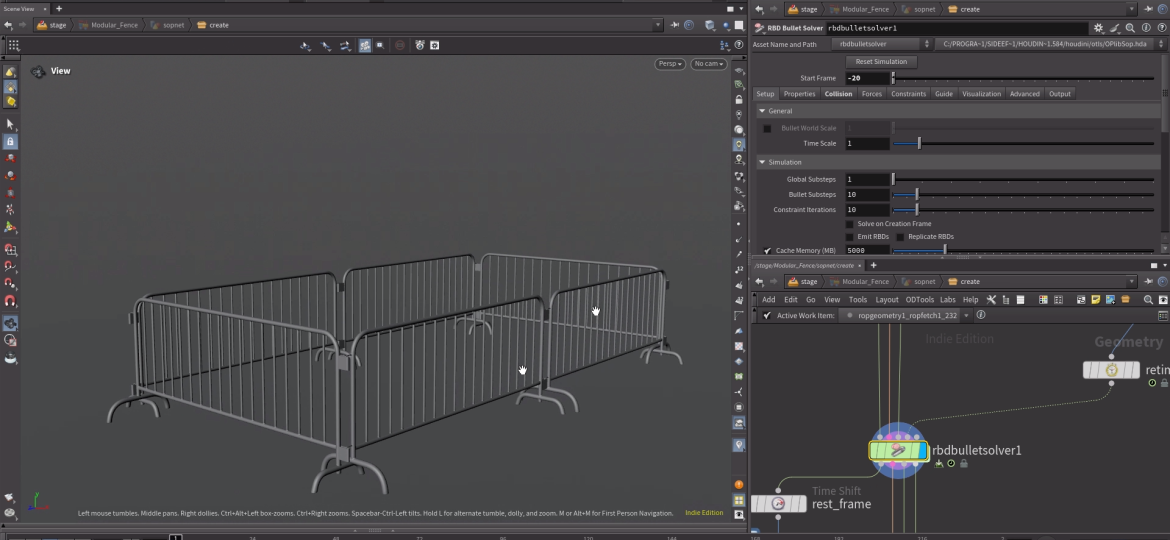
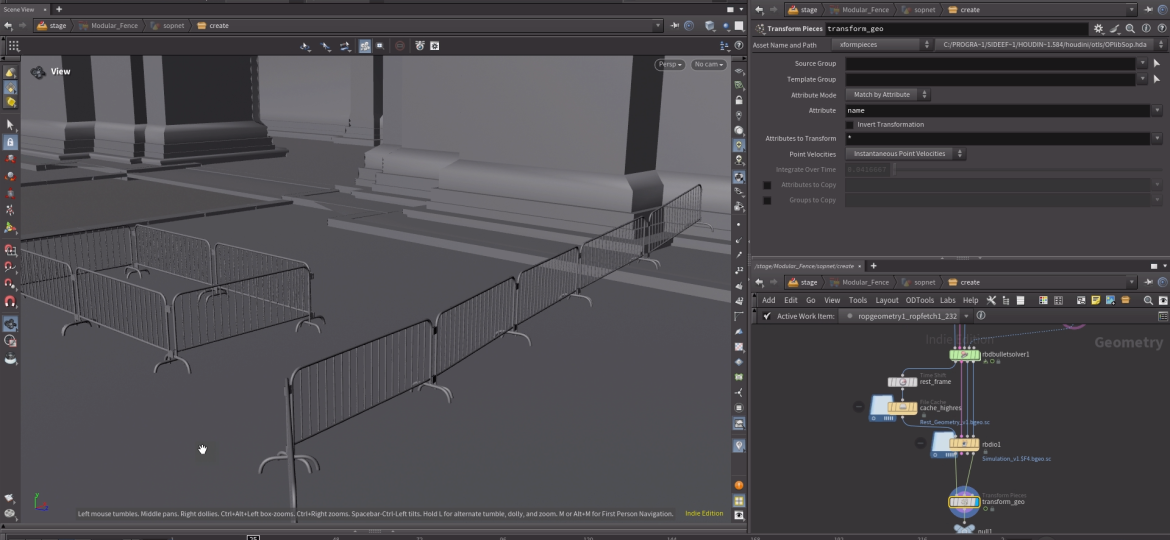
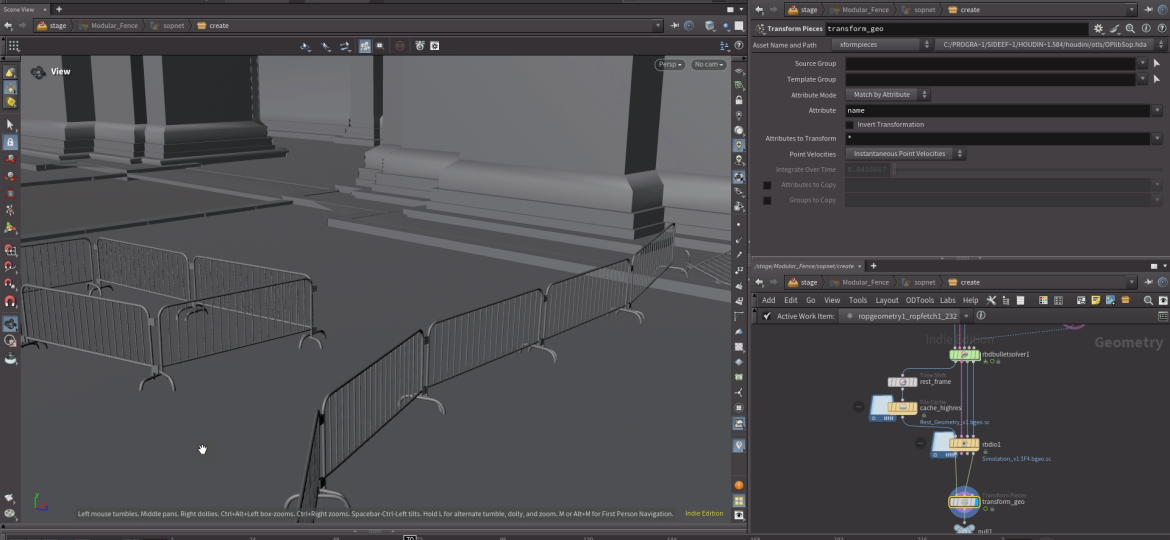
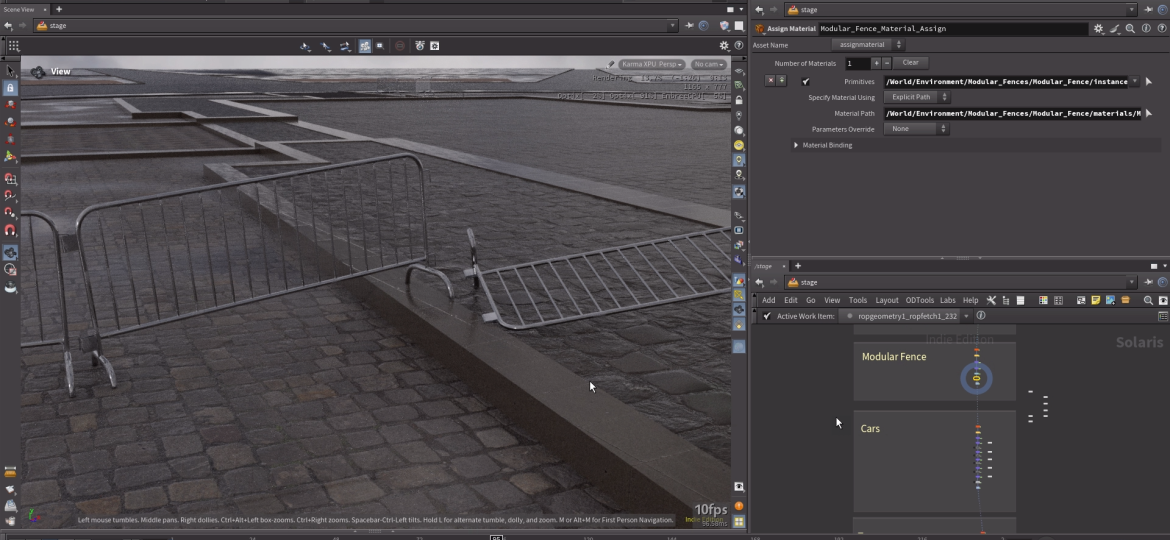
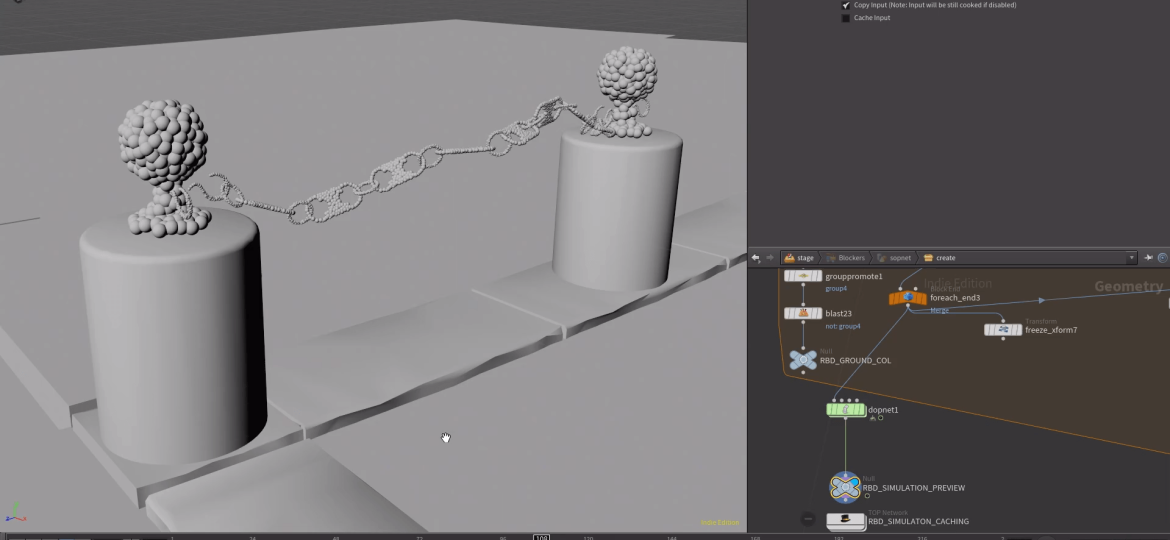
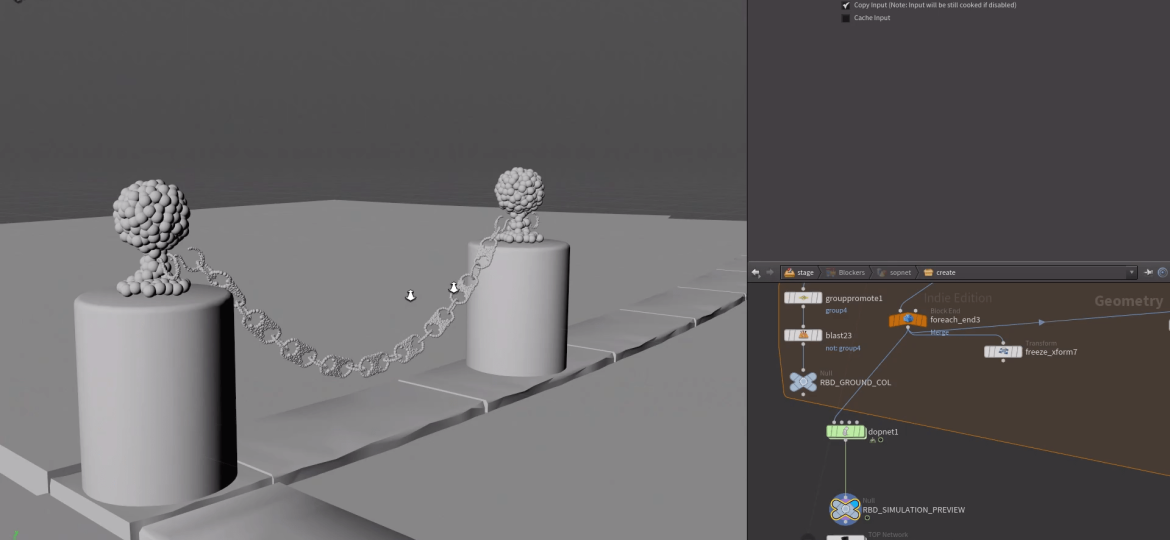
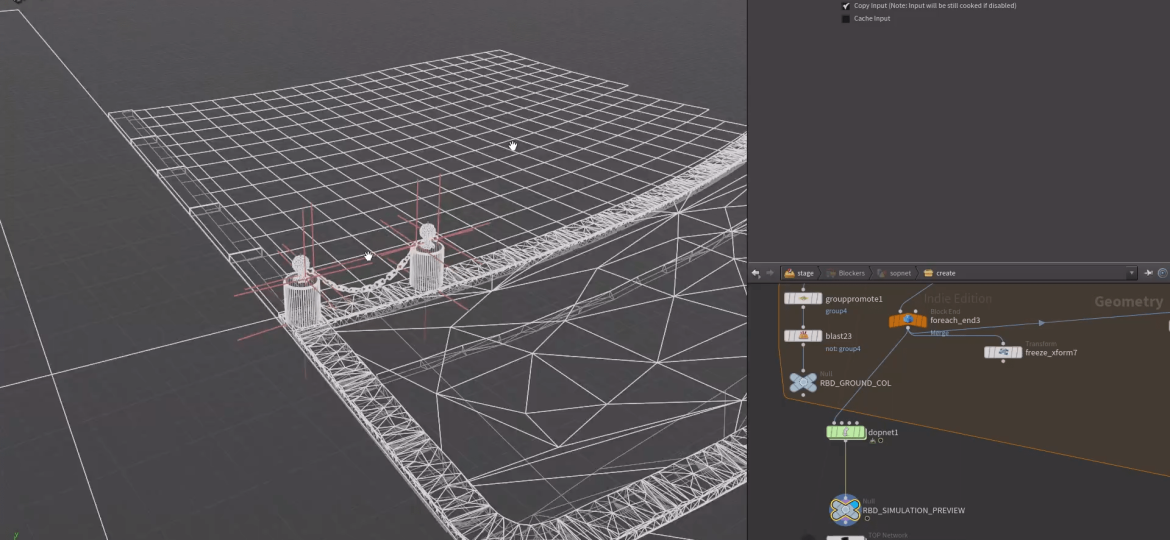
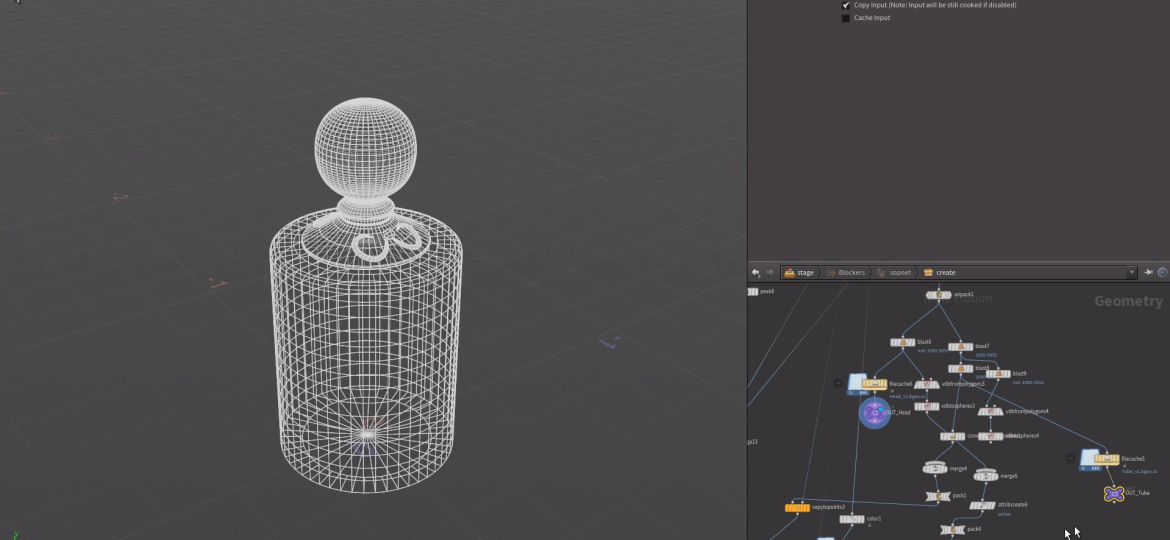
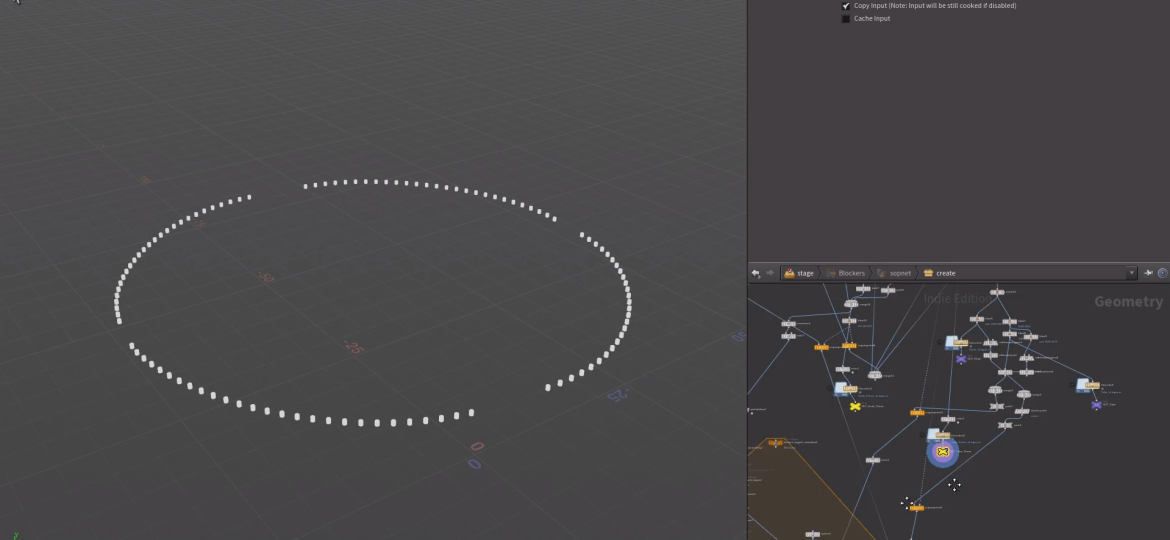
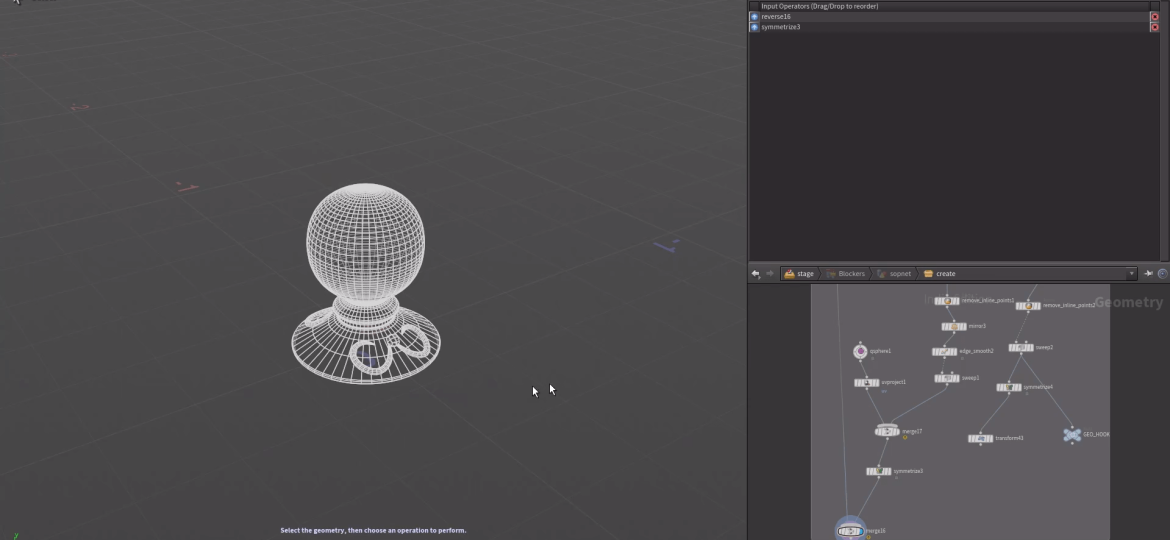
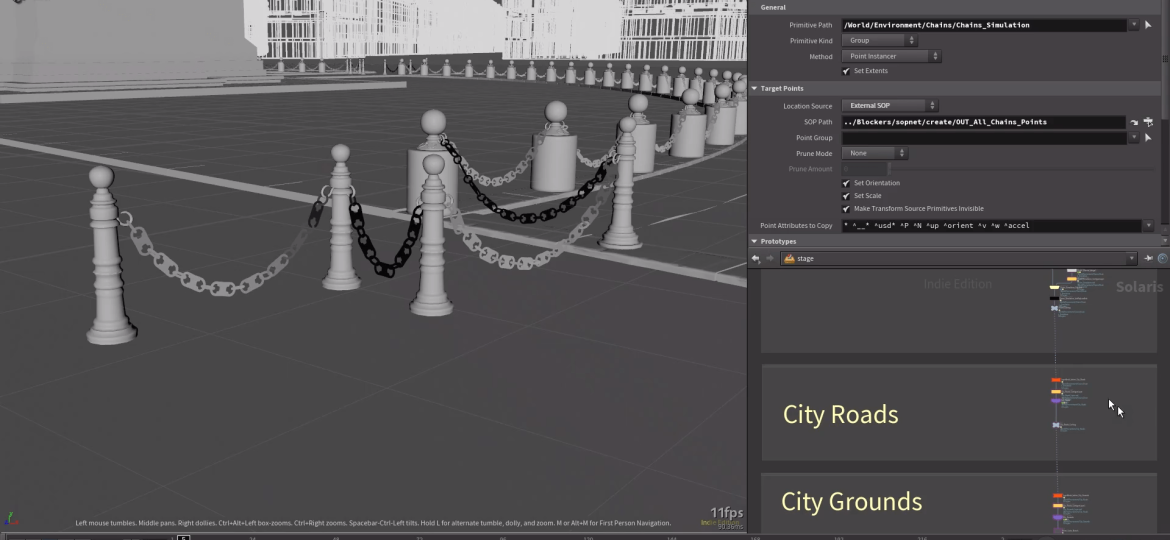
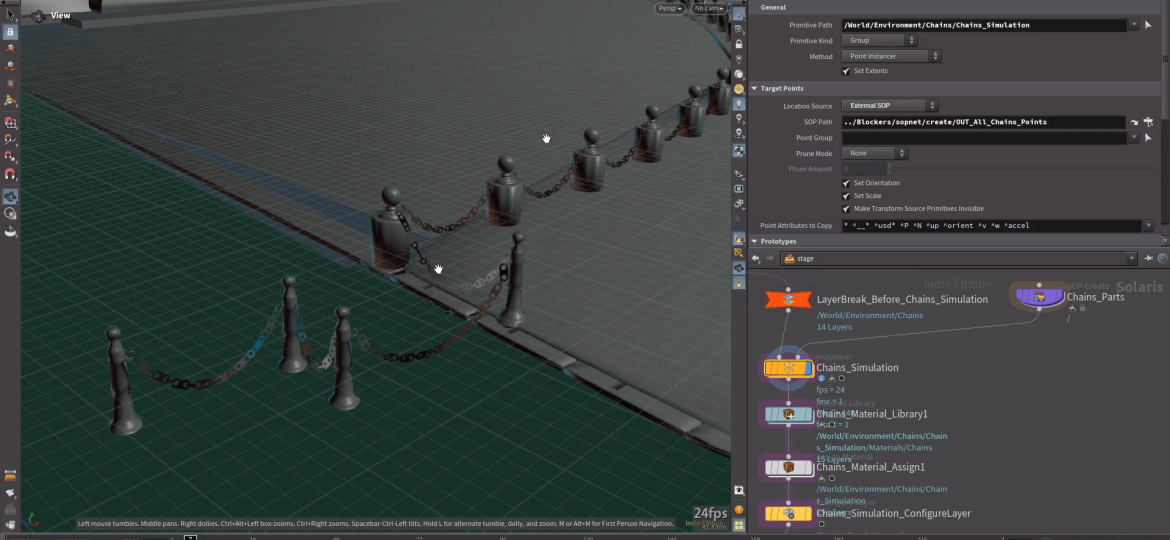
Barriers modeled with built‑in proxy versions for RBD simulation.Procedural fence models placed in the scene.
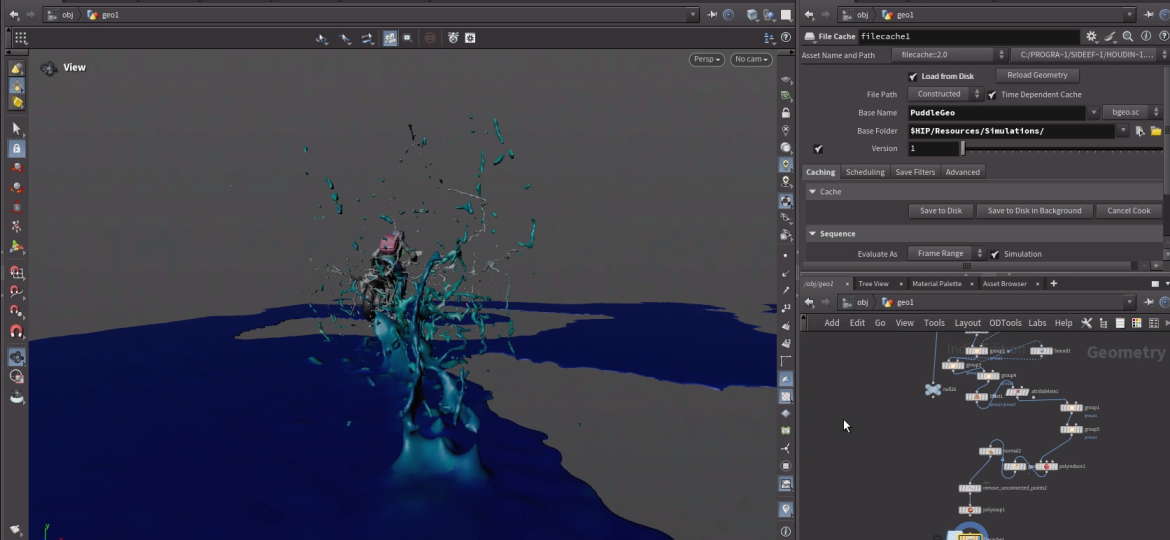
The RBD simulation for the shockwave was created using a sharp gust of wind with a cone-shaped source.
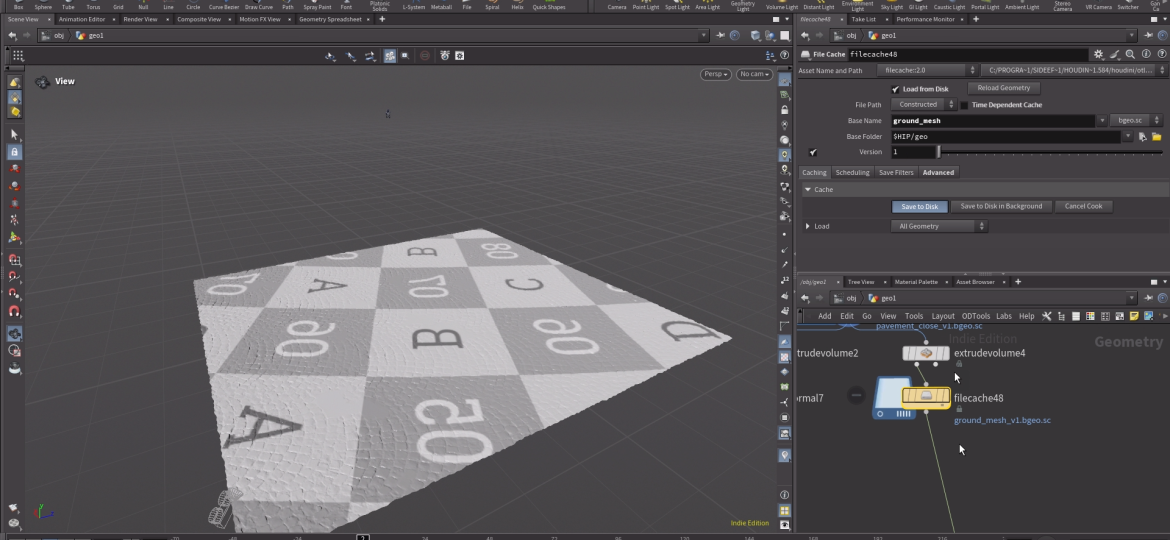
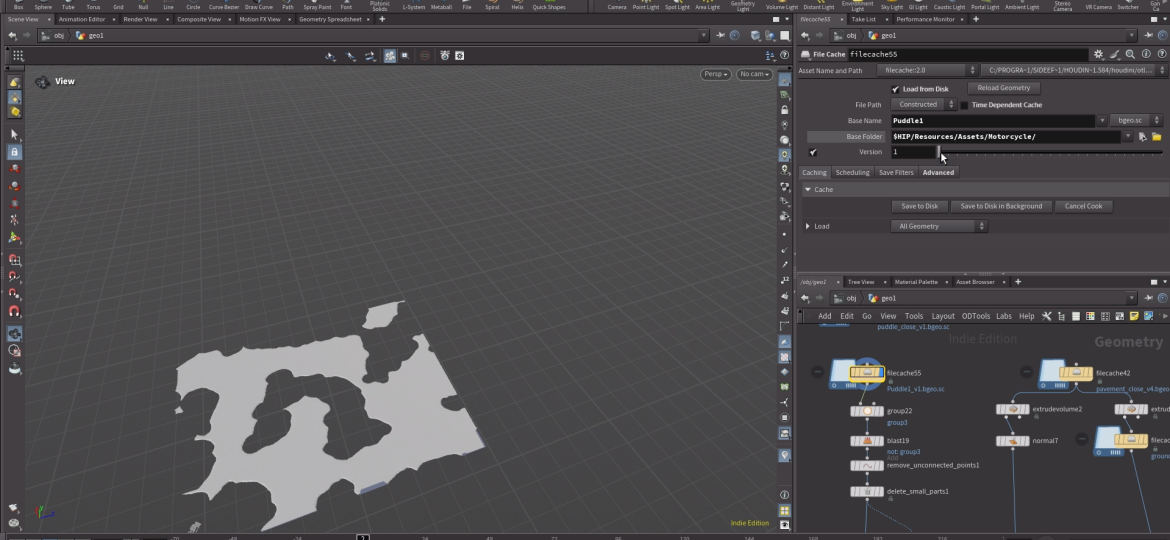
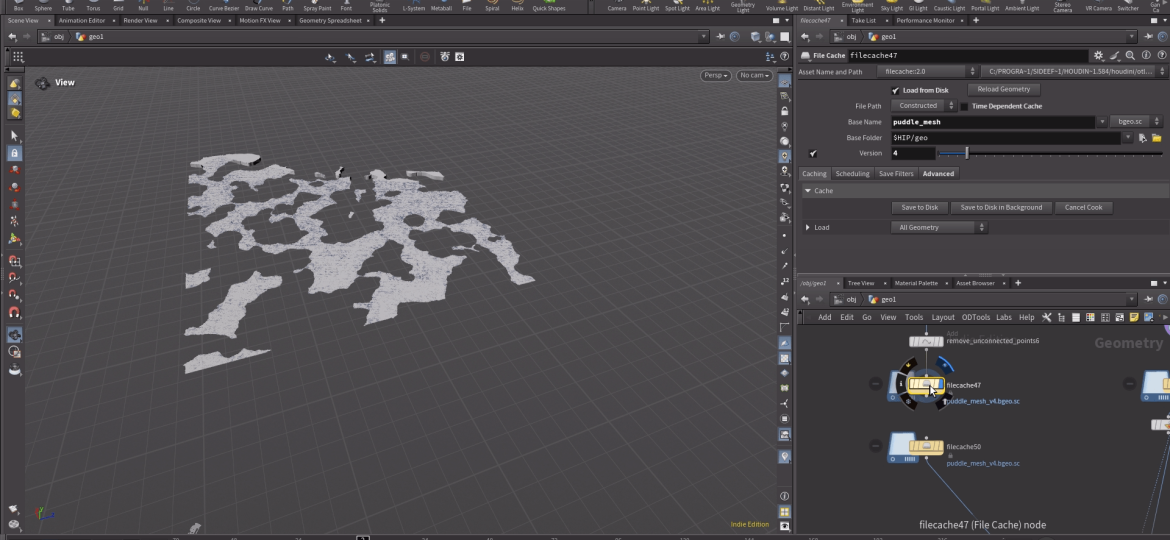
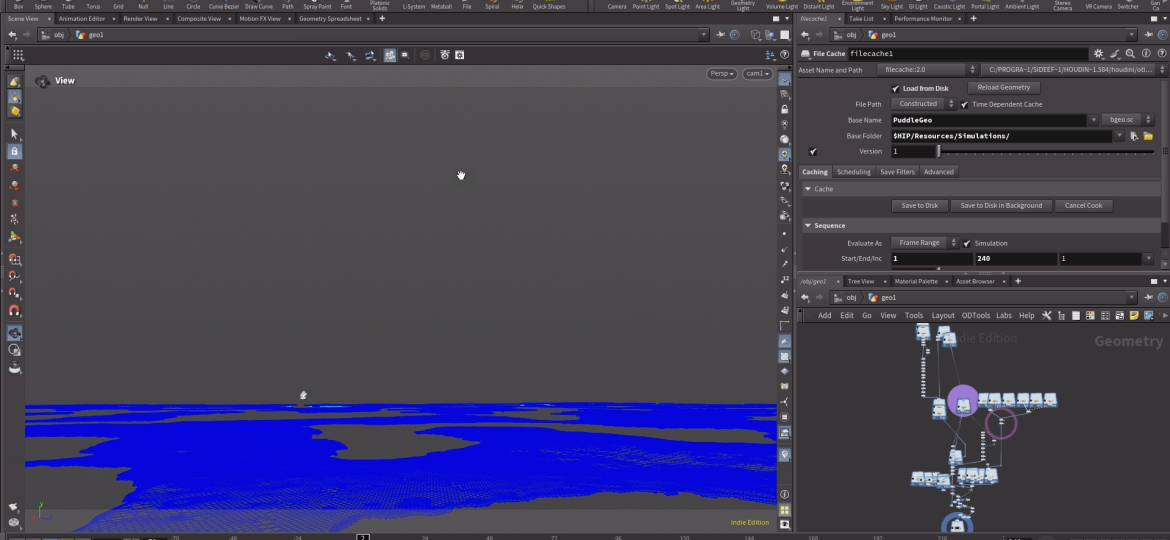
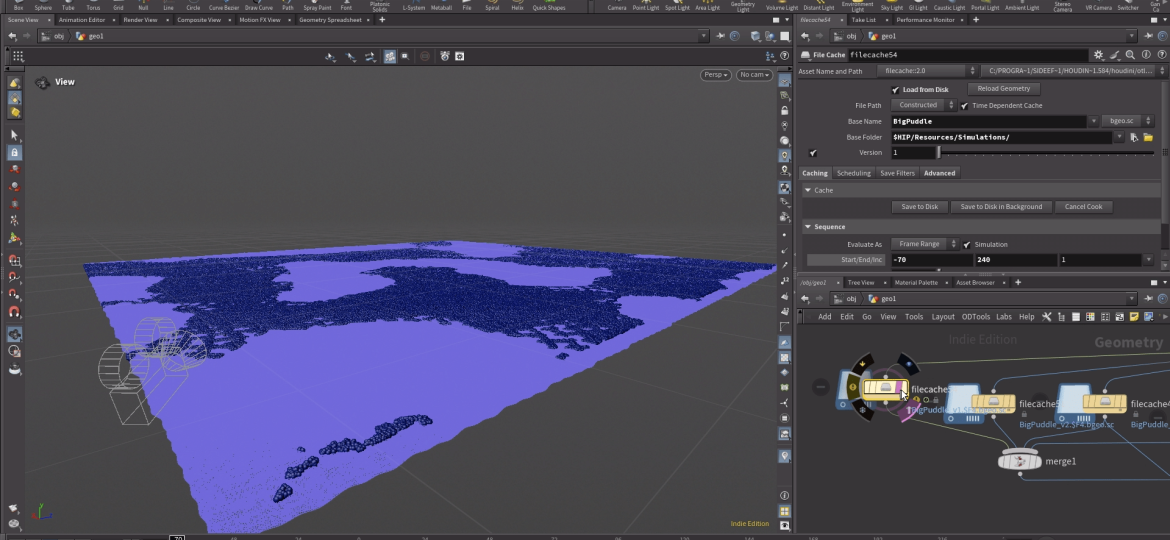
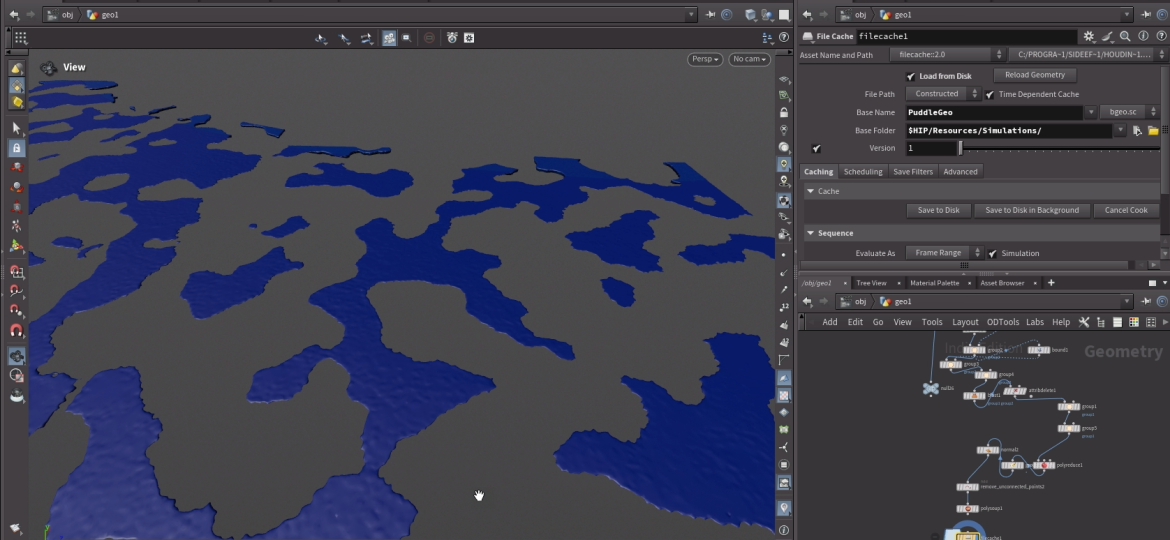
Puddle areas were defined using plate geometry combined with Boolean operations, while the cobblestones were enhanced with true OpenCL displacement that accurately matched the Megascans texture and noise algorithm from the procedural MaterialX shader.
Puddles and cobblestones were divided into arbitrary blocks, with increased mesh density applied near the camera and along the bike path to emphasize puddle details and surface realism.
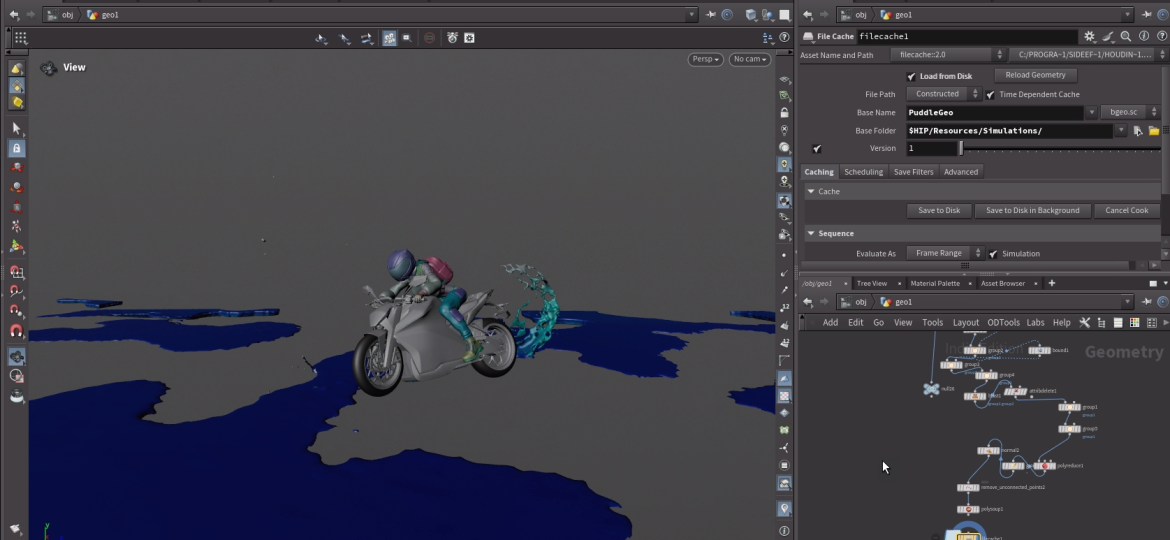
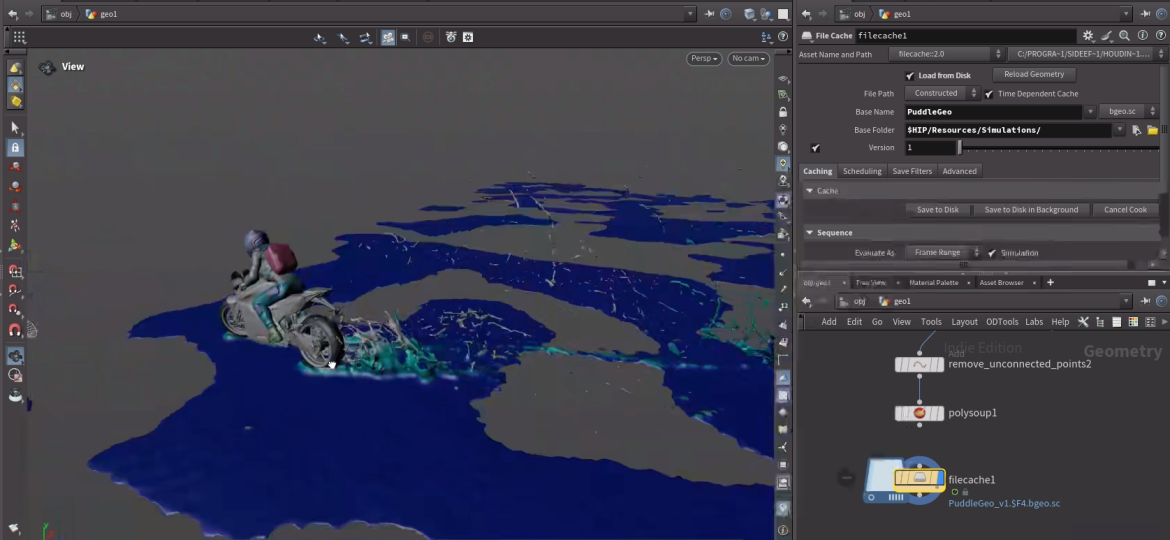
The process began with sequential simulations, starting with wind-driven shockwaves across puddles, followed by the bike skidding over cobblestones.
Ripples
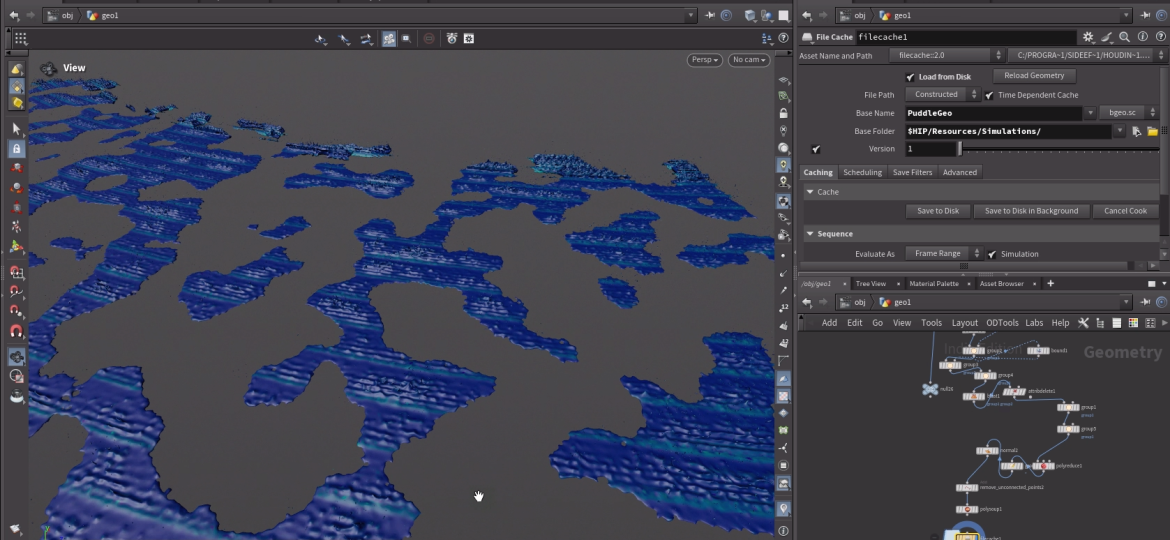
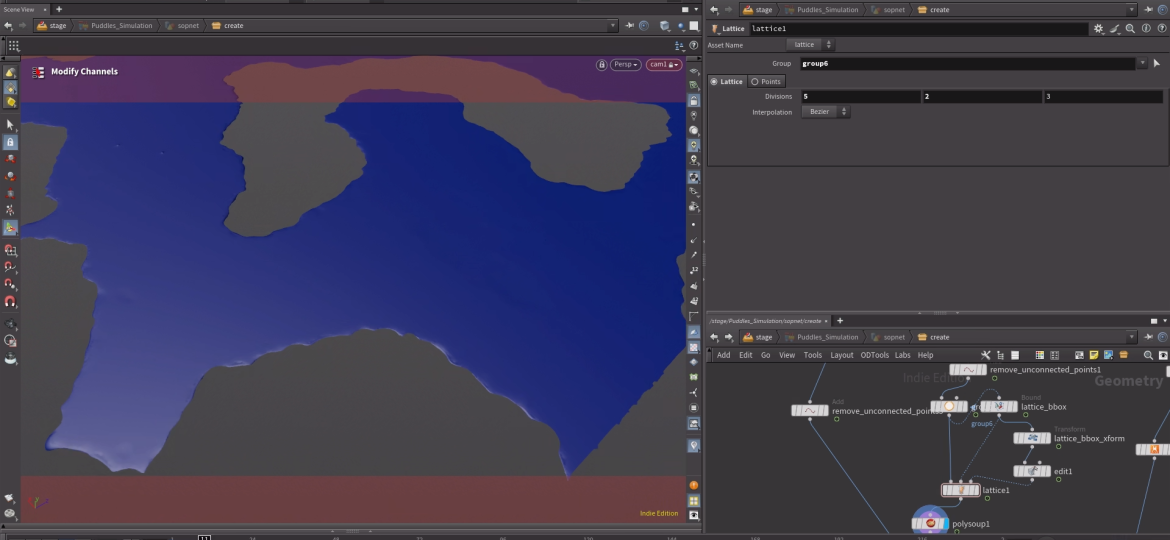
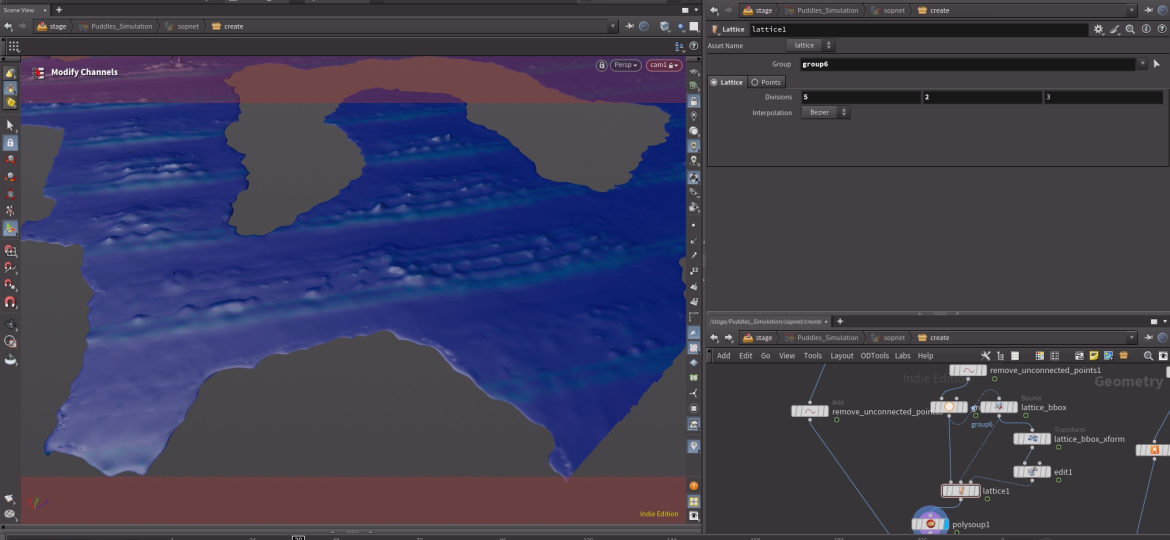
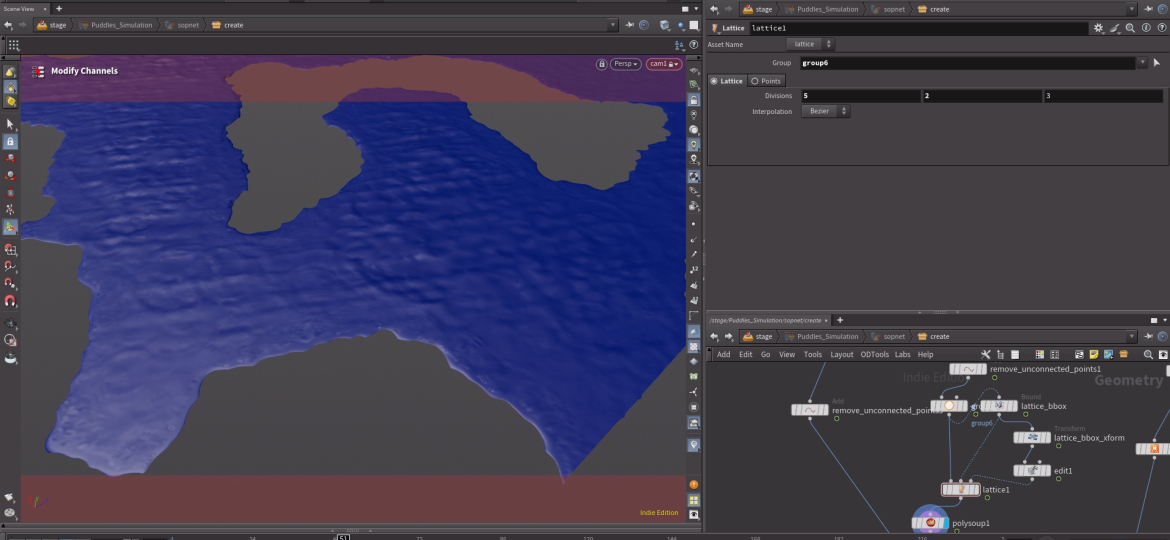
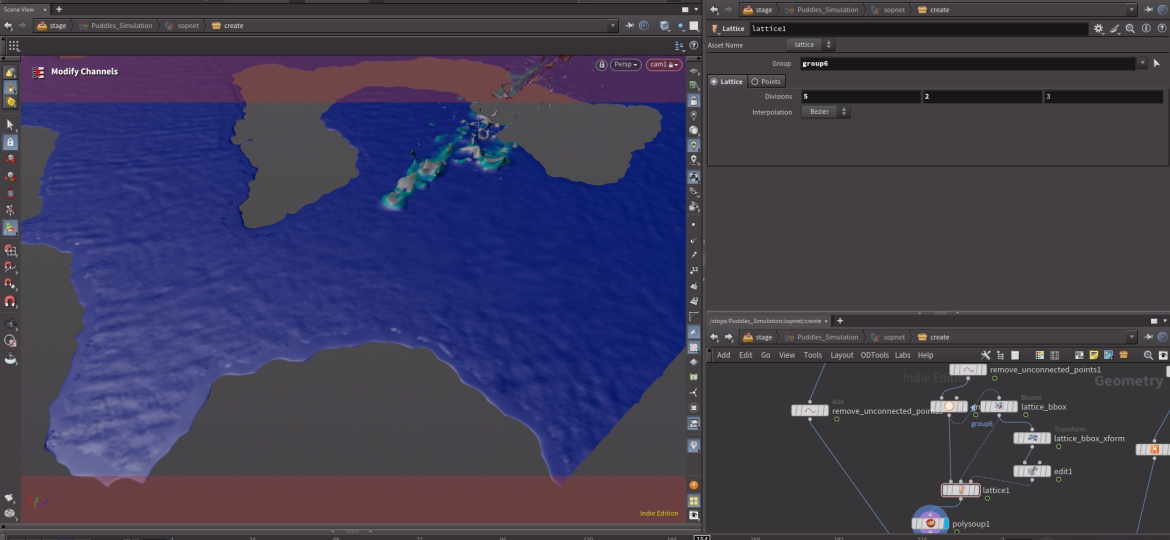
Ripple detail was added by remeshing the first frame of the puddle geometry in regions where secondary ripples would appear. The base puddle simulation was projected onto this high-resolution mesh, a Ripple Solver was applied to generate fine detail, and the resulting ripples were then projected back onto the original puddle simulation, where they were visible.
Our website uses cookies from third party services to improve your browsing experience. Read more about this and how you can control cookies by clicking "Privacy Preferences".